Welcome to the new Heckler website. Need help or want to share feedback? Use chat or the Feedback tab.

Skip to guide content
Resource LibraryUser GuidesH1011 · H1011-BK
H1011 · H1011-BK

Device Shelf for Heckler Confidence Stand

Assemble the shelf, engage both spring buttons, fit the panels, and mount your devices.
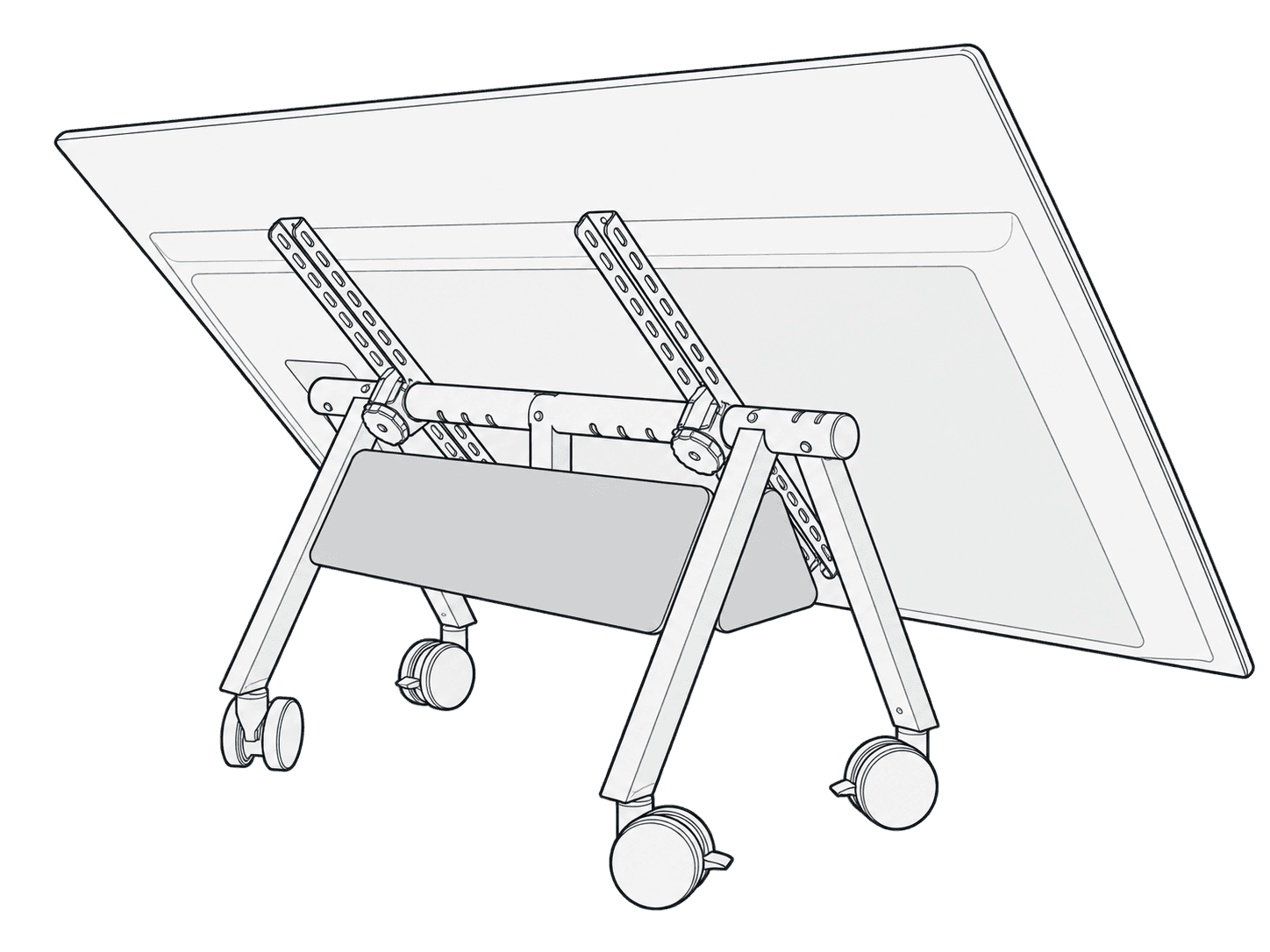
H1011 felt-covered Device Shelf installed behind a complete Confidence Stand with tilted display and four casters.

This guide is also available as a printable PDF.

Applies to
Device Shelf for Heckler Confidence Stand, as illustrated in this guide.

In the box

  1. Felt Panel Set: 1 x Large Panel (F241) and 2 x Small Panels (F242).
  2. Device Shelf for Heckler Confidence Stand: Column (R1024-BK) and Shelf (R1025-BK).
  3. Velcro Strap (F856)
The included felt panels, shelf column and shelf, and Velcro strap laid out together.

Fasten the column to the shelf

Align the metal tab on the bottom of the column with the cutout on the shelf.

The metal tab at the bottom of the column aligning with the shelf cutout.

Tighten the thumbscrew from the bottom of the shelf.

Tightening the thumbscrew from the underside of the shelf.

Install the shelf to the stand

The shelf assembly being inserted into the Confidence Stand beam. Both spring buttons must engage, as the adjacent warning states.

Install panels

Push the metal tabs on the shelf into the slots on the rigid felt panels.

The shelf tabs engaging the slots in the felt panels.
Devices mounted on the shelf while it is attached to the Confidence Stand.
The shelf resting on blocks on a workbench to leave room for securing device straps.
Close-up of hook-and-loop straps securing coiled cables and equipment to the perforated shelf.
The completed Device Shelf assembly mounted to the Confidence Stand.