Secure the touchpoint
Hold shared tablets and controllers in place while preserving access to power, ports, buttons, cameras, and microphones.
Welcome to the new Heckler website. Need help or want to share feedback? Use chat or the Feedback tab.


Tablets, room controllers, schedulers, cameras, video bars, whiteboard cameras, power supplies, and cables all need a place to live. Heckler mounts give them one: secure, considered, serviceable, and built for commercial spaces.
From a single point-of-sale iPad to a global fleet of video meeting rooms, Heckler mounts help technology feel integrated instead of improvised.
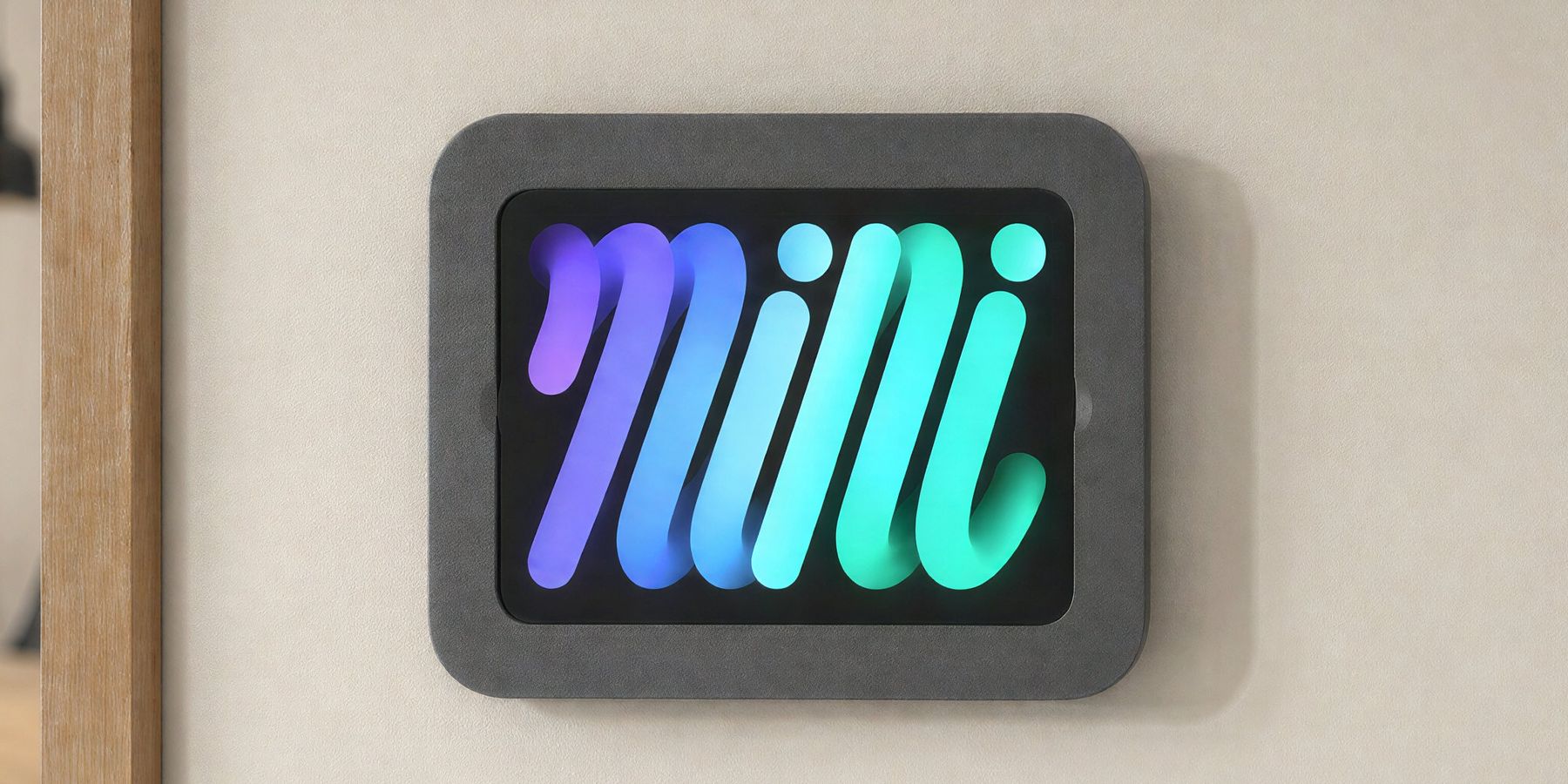
Mounts are often the last thing specified and the first thing people notice when they are wrong. A crooked room scheduler. A loose tablet. A camera mounted too high. A power brick hanging from a cable. A video bar that cannot be replaced without reworking the wall.
Heckler mounts are designed for the realities of commercial deployment: repeatable installs, clean cable paths, tamper resistance, durable finishes, accessibility-conscious placement, and compatibility with the devices AV teams already specify.
Hold shared tablets and controllers in place while preserving access to power, ports, buttons, cameras, and microphones.
Position compact cameras, PTZ cameras, and video bars for better framing, eye-line, and cleaner installations.
Make room standards easier to repeat across workplaces, classrooms, healthcare, retail, and mobile AV systems.
Explore the Heckler Mounts family by application. Each product is designed around a specific device, space, and installation condition.
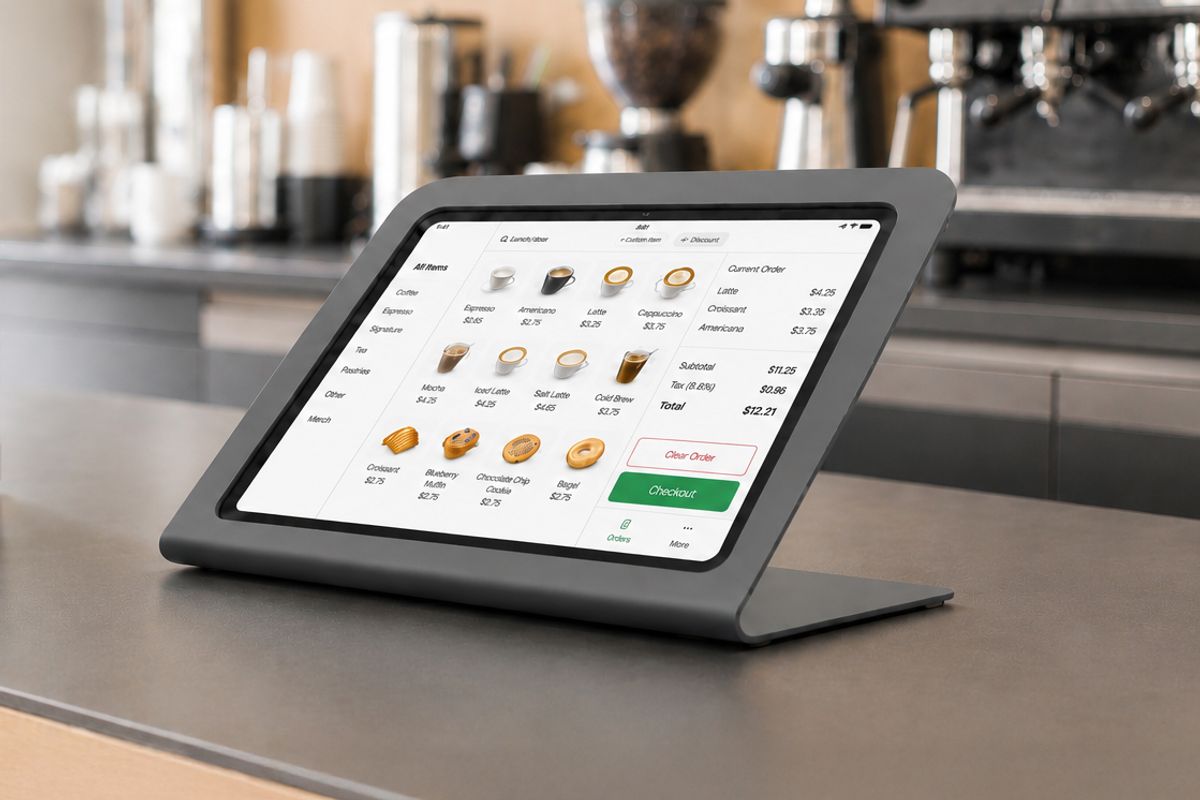
Countertop iPad stands for retail, visitor registration, point-of-service, self-service, and public-facing workflows.
Explore tablet stands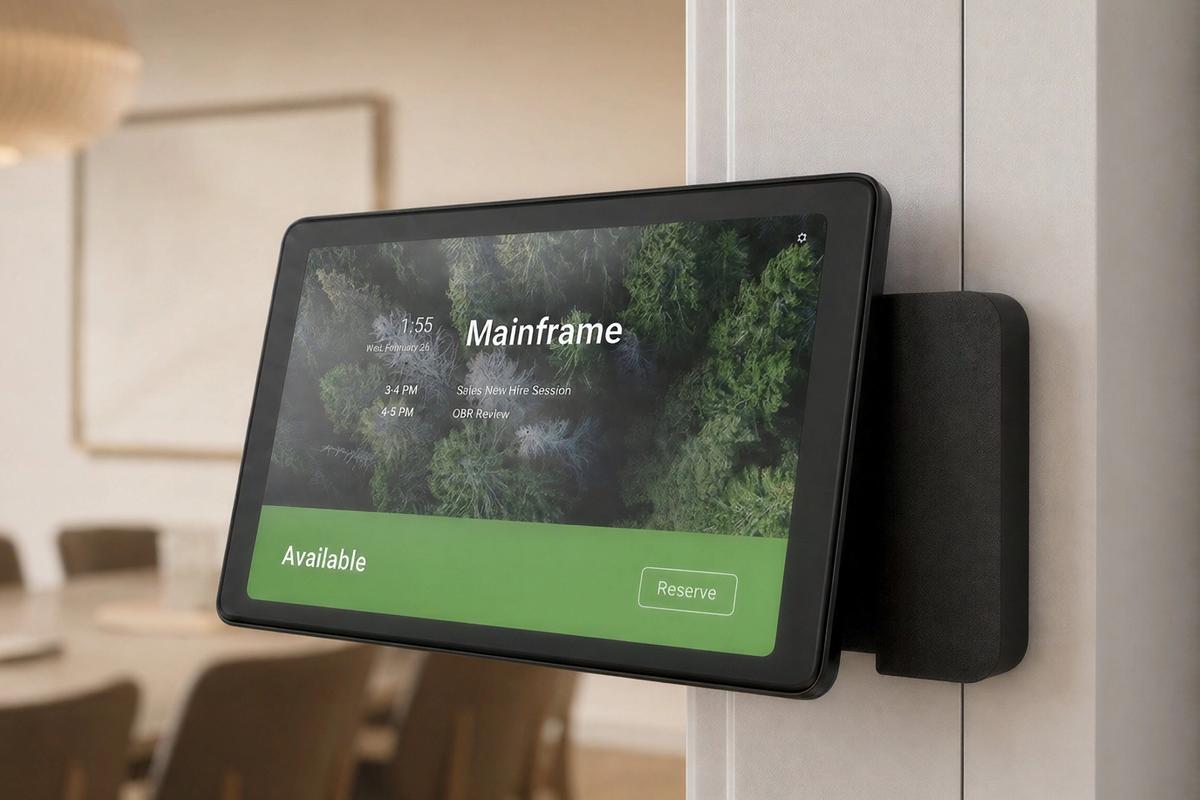
Low-profile iPad mounts for room scheduling, check-in, signage, patient charting, automation, and arm-mounted interaction.
Explore wall mounts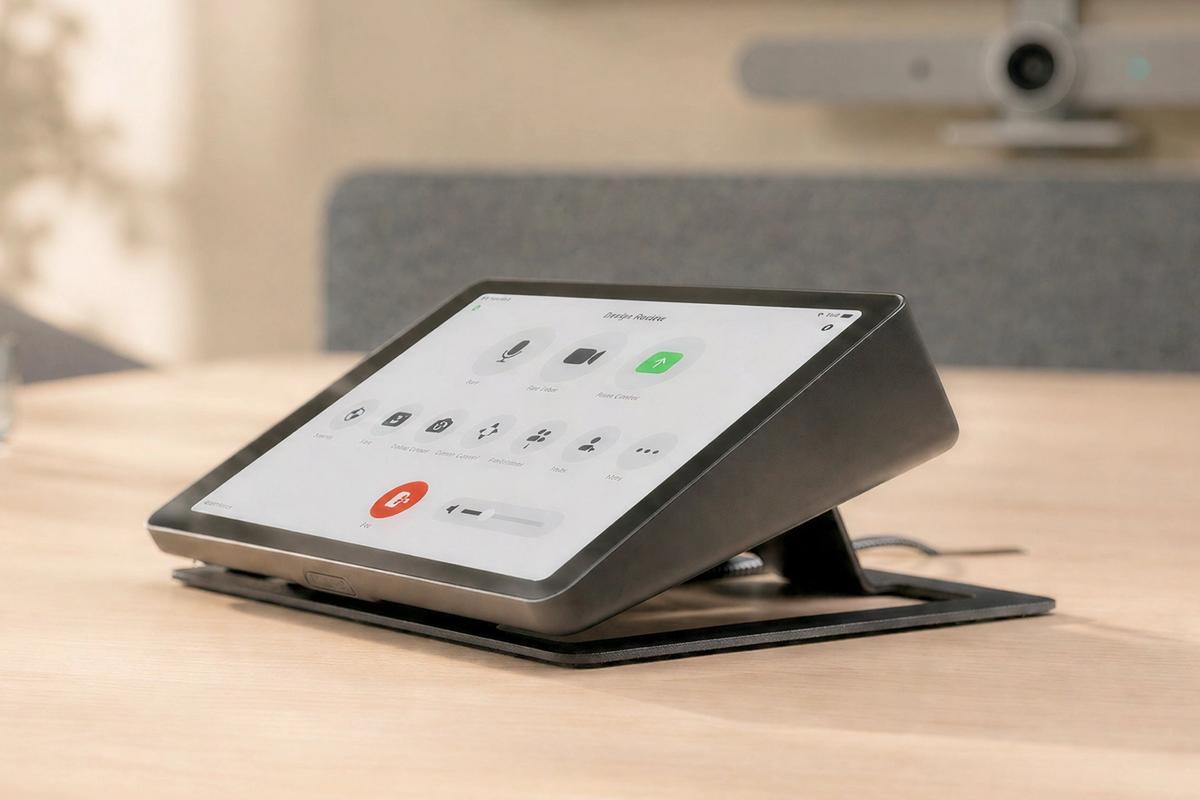
Dedicated mounts for iPad, Neat Pad, Logitech Tap, Zoom Rooms, and meeting room control interfaces.
Explore room control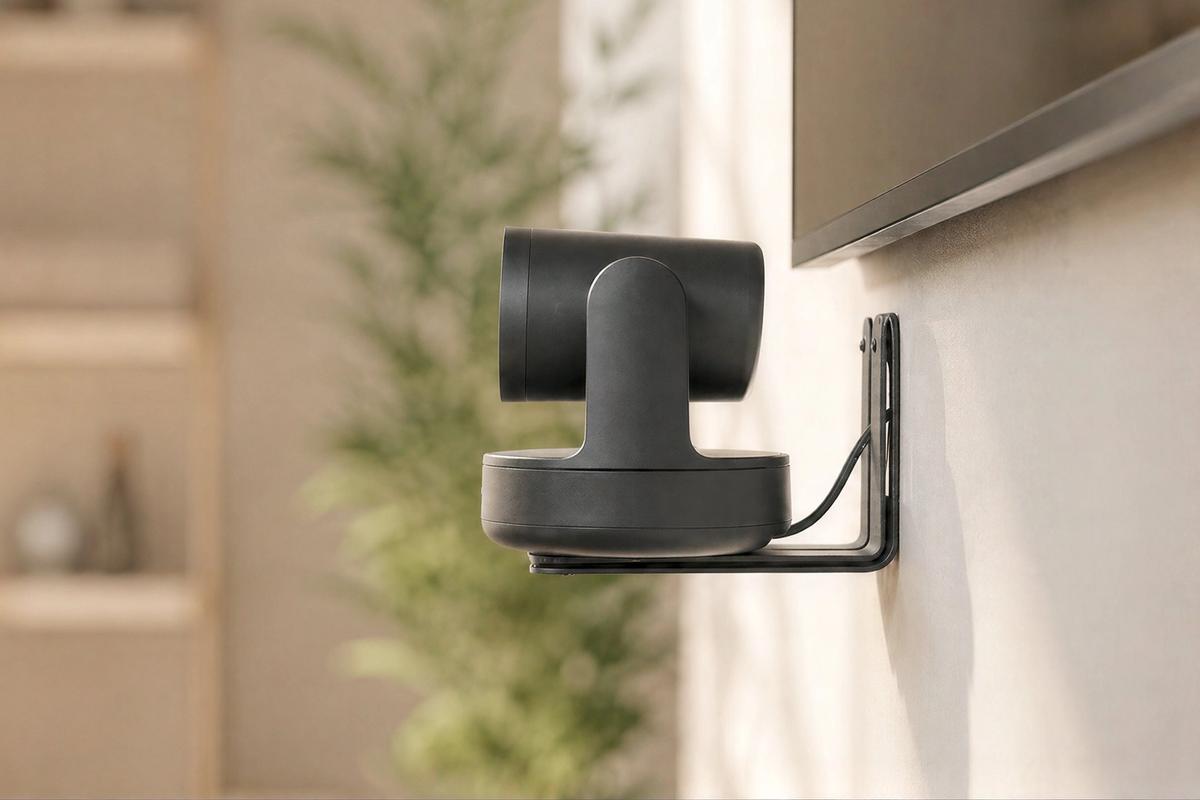
Wall, VESA, eyeline, ADA, PTZ, tripod, whiteboard, and video-bar mounting solutions for video collaboration.
Explore camera mounts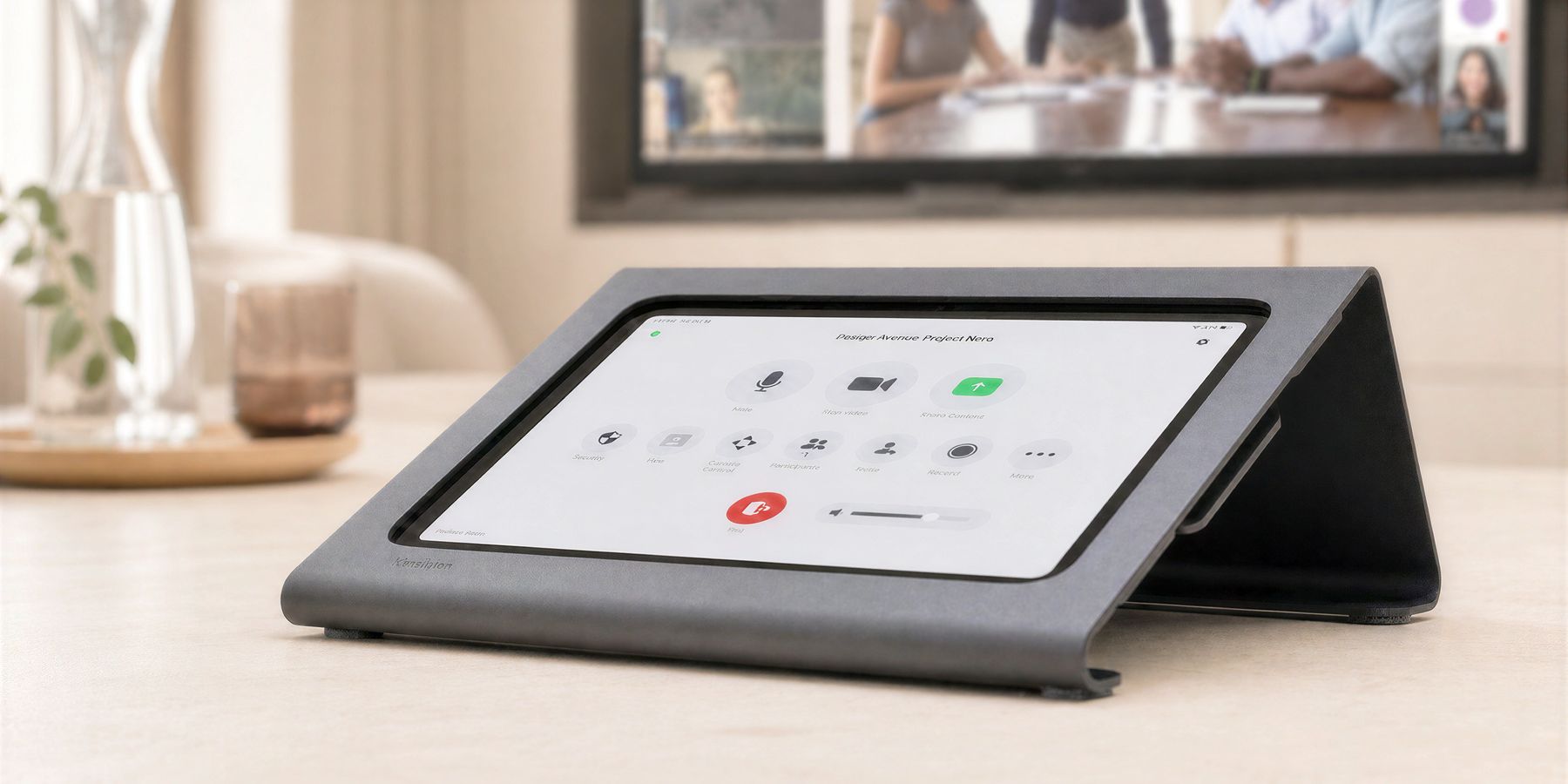
In retail, reception, education, hospitality, events, healthcare, and workplace environments, the tablet is often the first point of interaction. It may be a register, visitor check-in station, self-service kiosk, digital sign, room-control interface, or service counter tool.
Heckler tablet stands are built to make that moment feel stable and intentional. Steel construction, careful cable routing, tamper-resistant hardware, and clean finishes help iPad deployments look permanent without becoming hard to service.
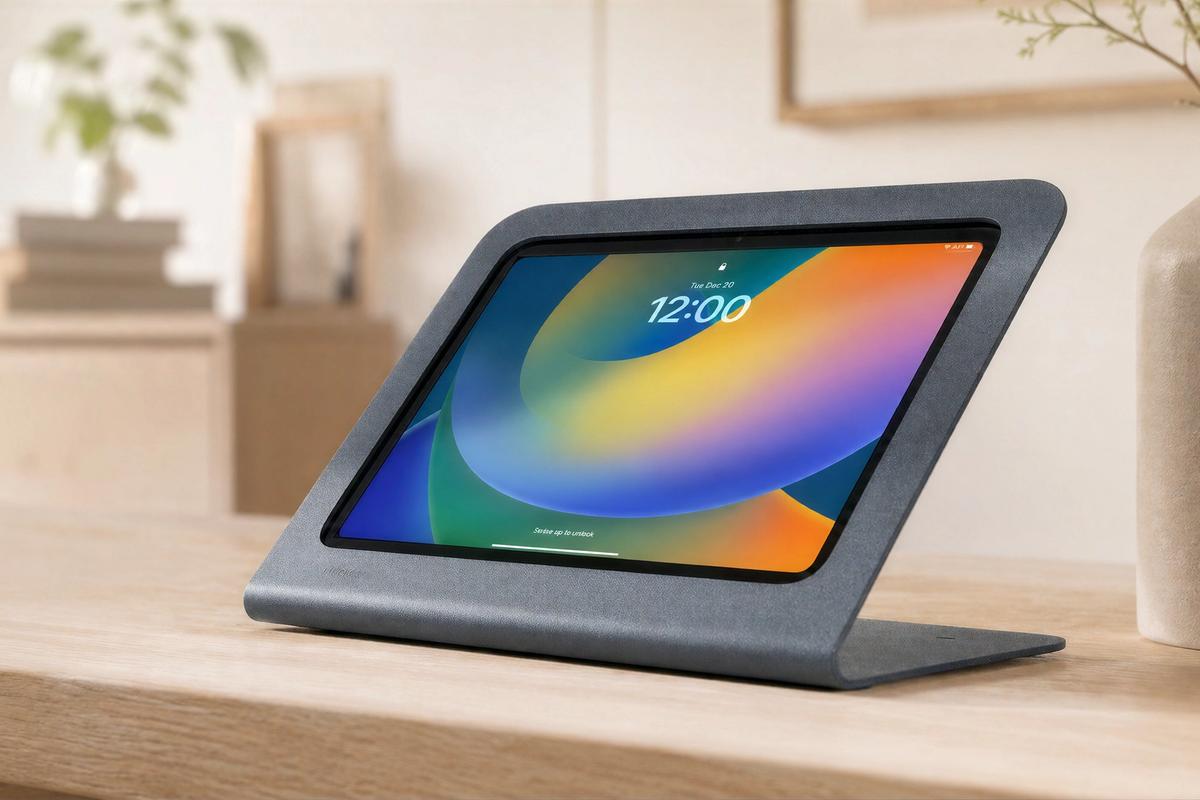
A secure, powder-coated steel iPad stand for modern point-of-sale, point-of-service, self-service, and reception deployments.
View WindFall Stand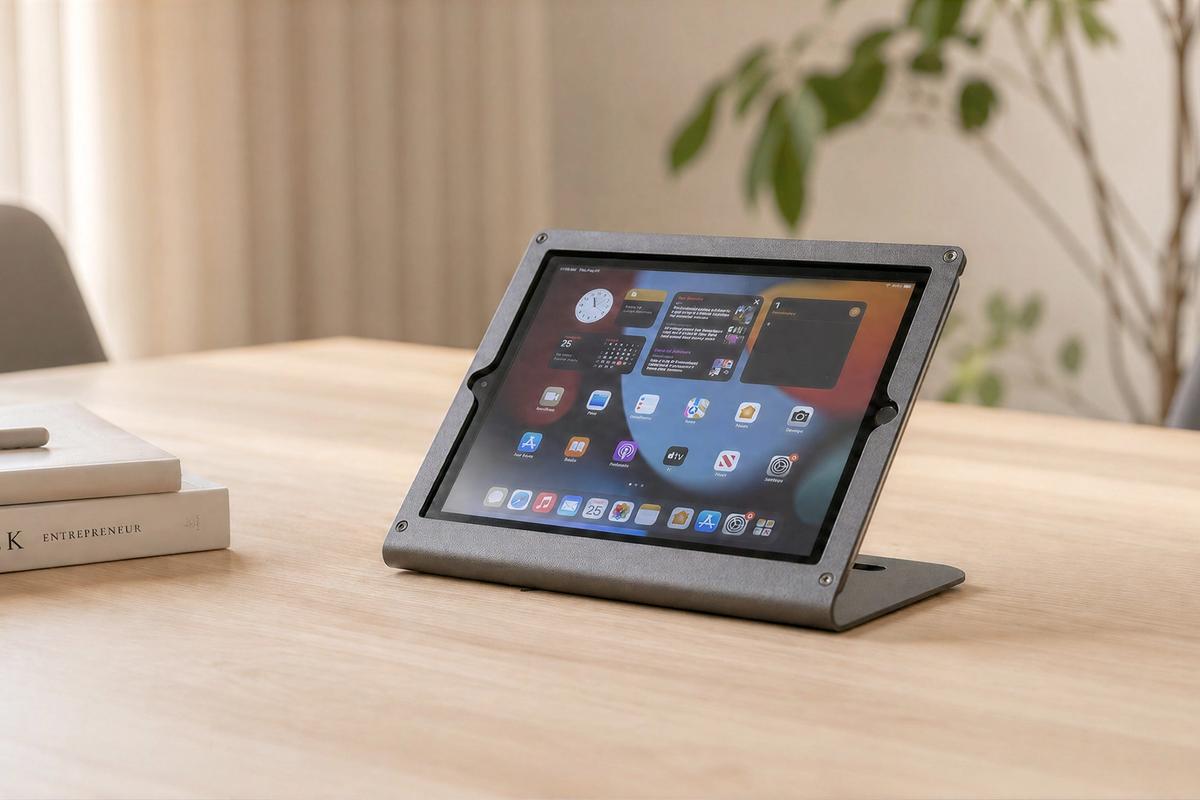
A proven commercial iPad enclosure for organizations standardizing on iPad 9th Generation across POS, self-service, visitor registration, and fleet applications.
View Stand Prime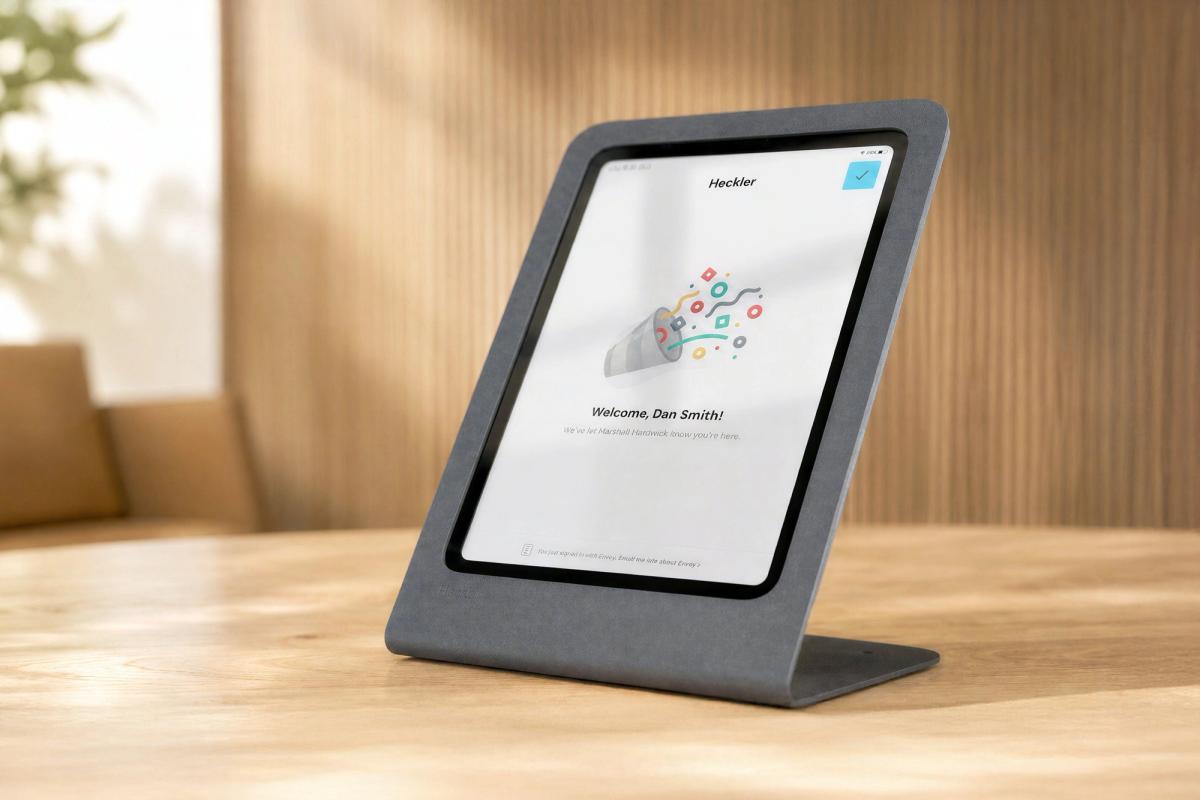
A vertical iPad stand for visitor registration, check-in, digital signage, and public-facing information points.
View Portrait Stand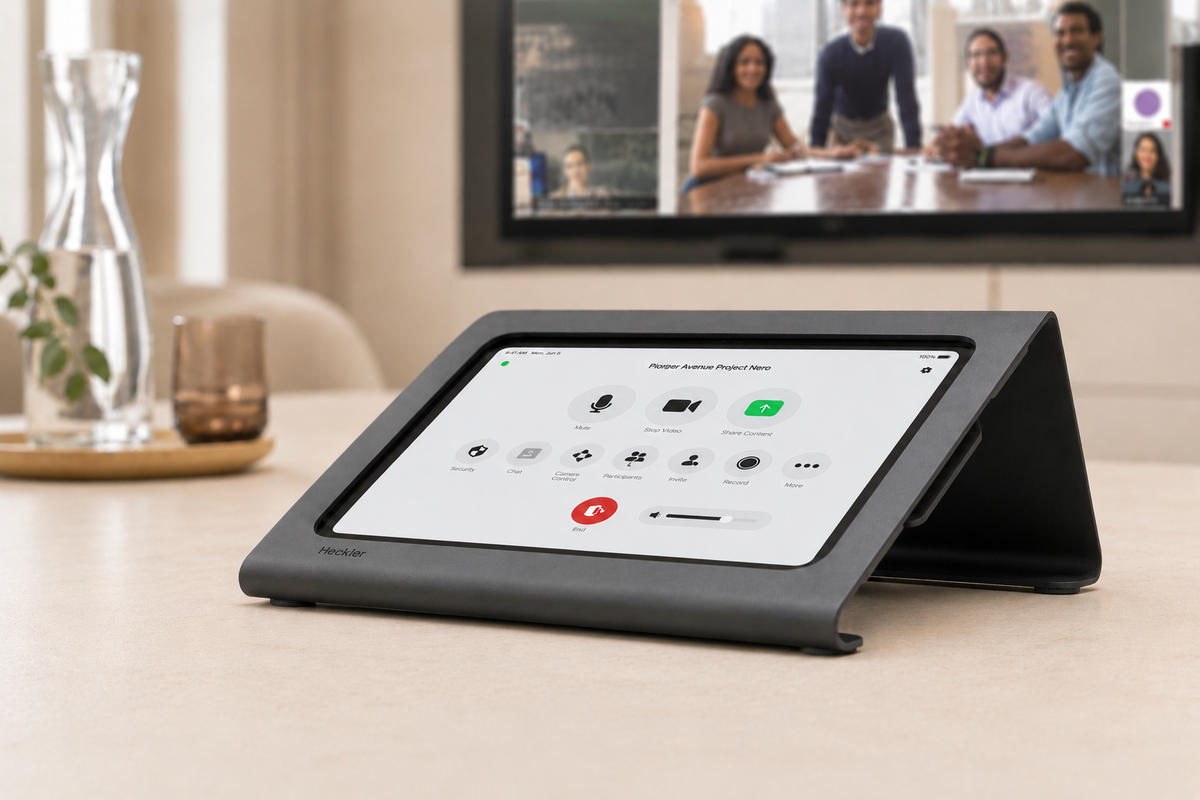
A low-angle iPad console for meeting room control, check-in, customer engagement, and table-based interaction.
View console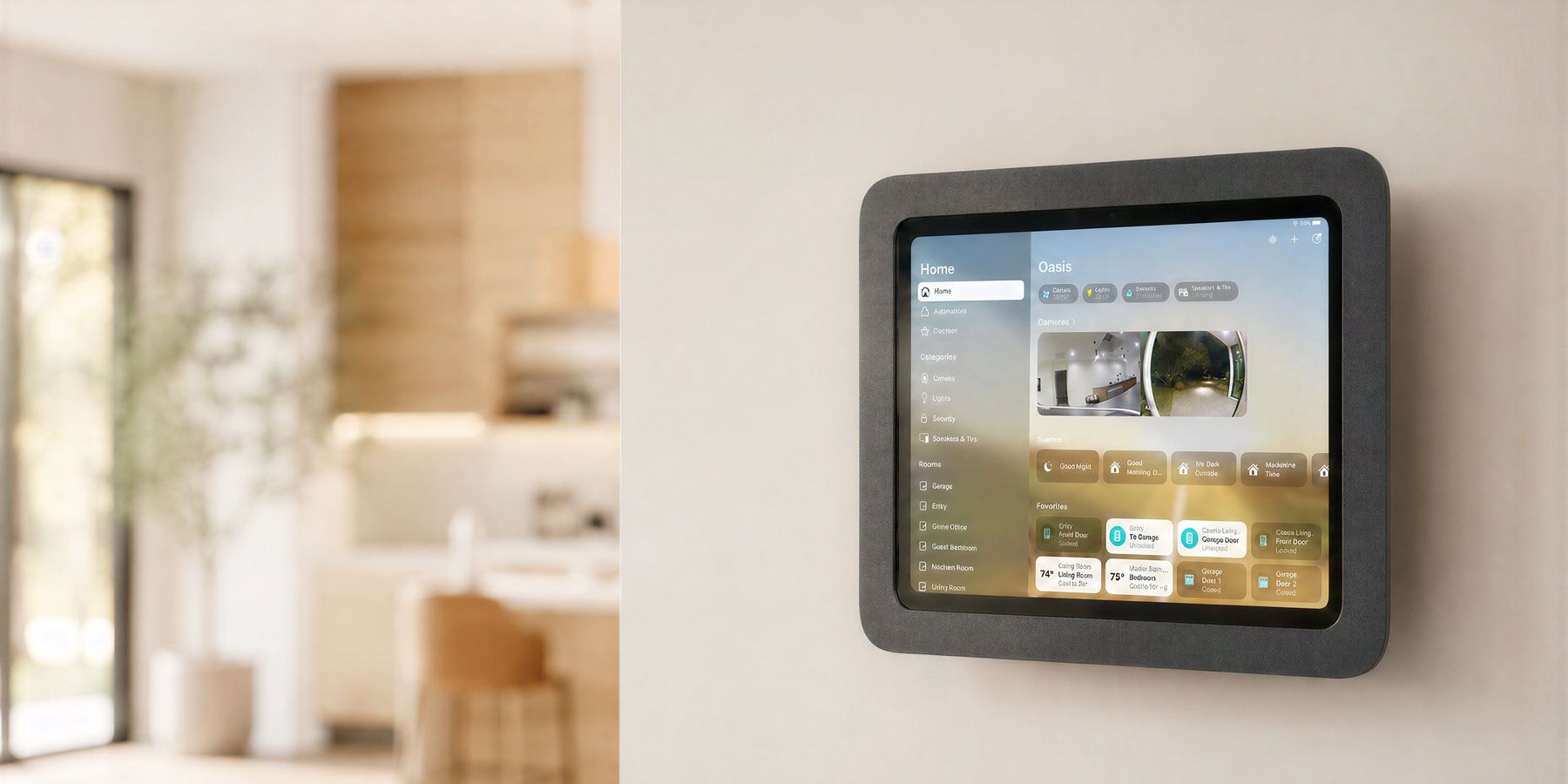
A wall-mounted tablet should feel intentional in the building. It should route power cleanly, hold the device securely, align with the surrounding architecture, and still allow the installer to service the technology when standards change.
Choose in-wall, on-wall, mullion, side, front, VESA, or tripod mounting depending on the architecture and the deployment condition.
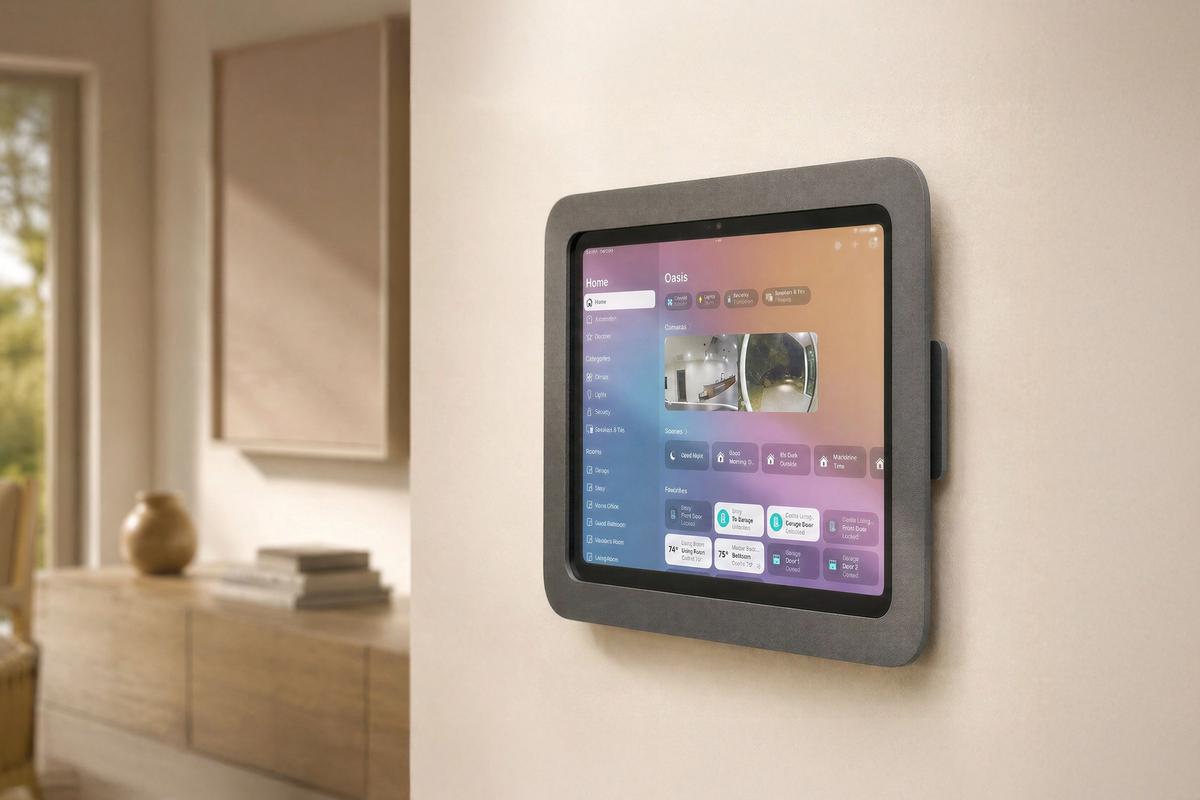
A wall mount for iPad deployments where the device can mount to a gang box or drywall condition.
View Wall Mount MX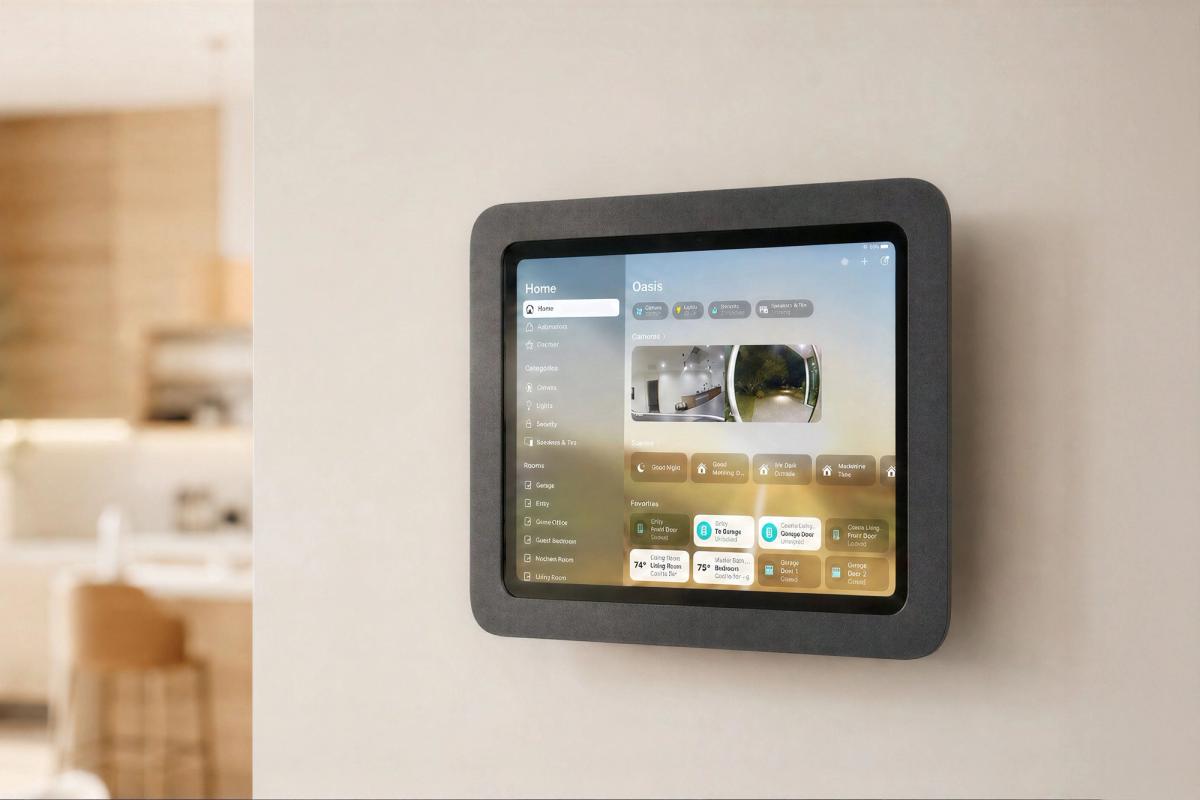
A surface-mounted iPad solution for leased offices, finished interiors, glass-adjacent spaces, and fast retrofit projects.
View OnWall Mount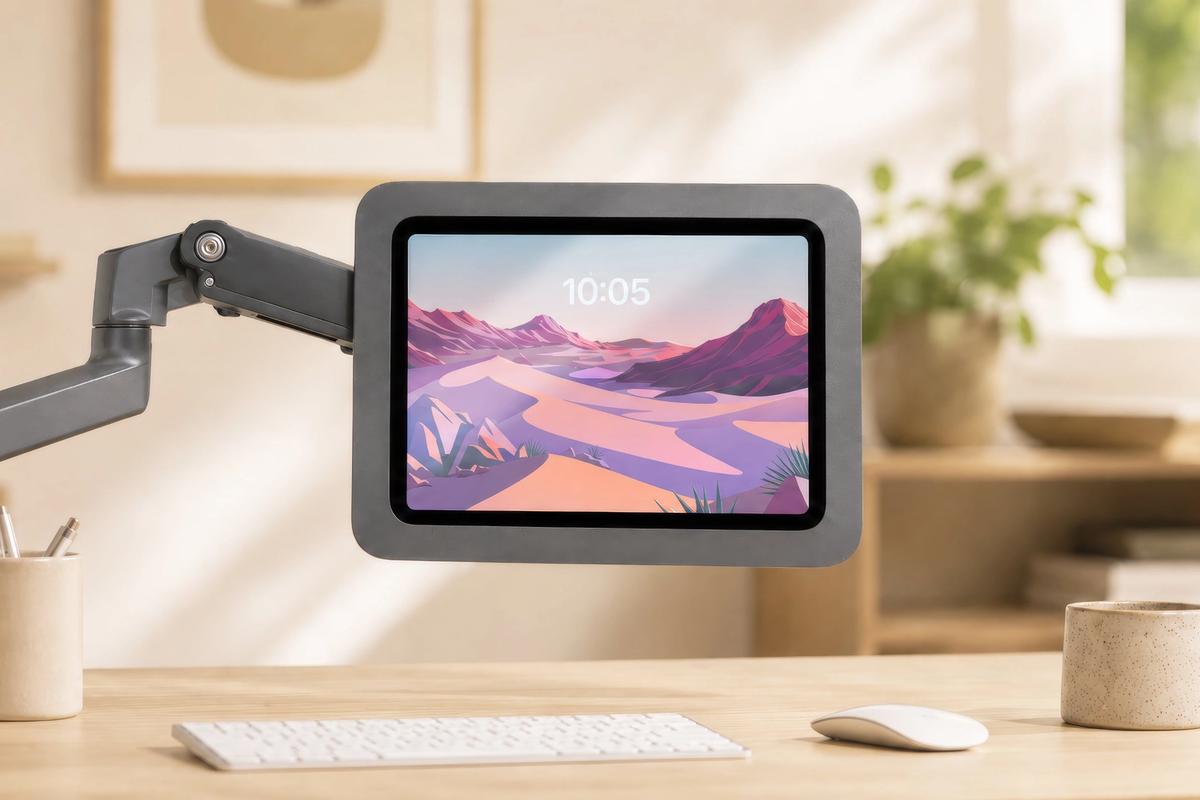
A tablet mount for display arms, VESA arms, workstations, and specialized interaction points.
View VESA Mount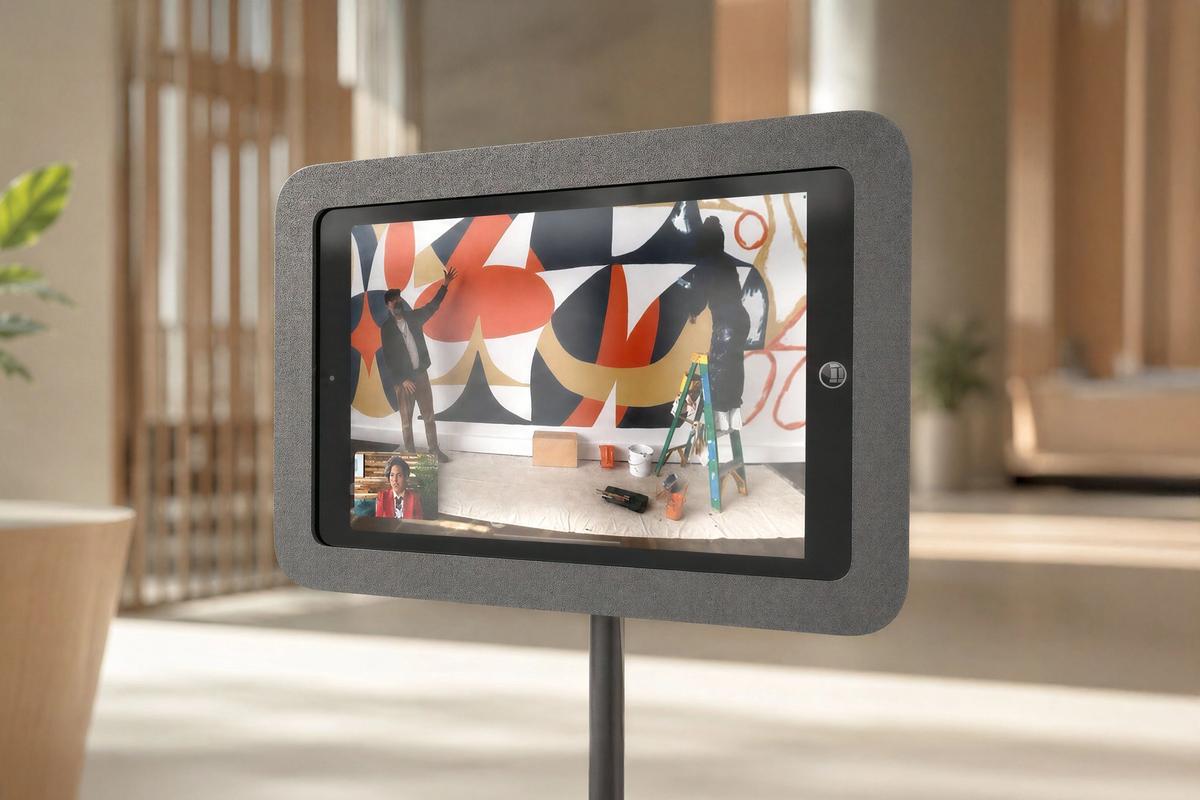
A flexible mount for iPad deployments that need tripod or VESA compatibility, including temporary rooms and mobile setups.
Explore VESA mounts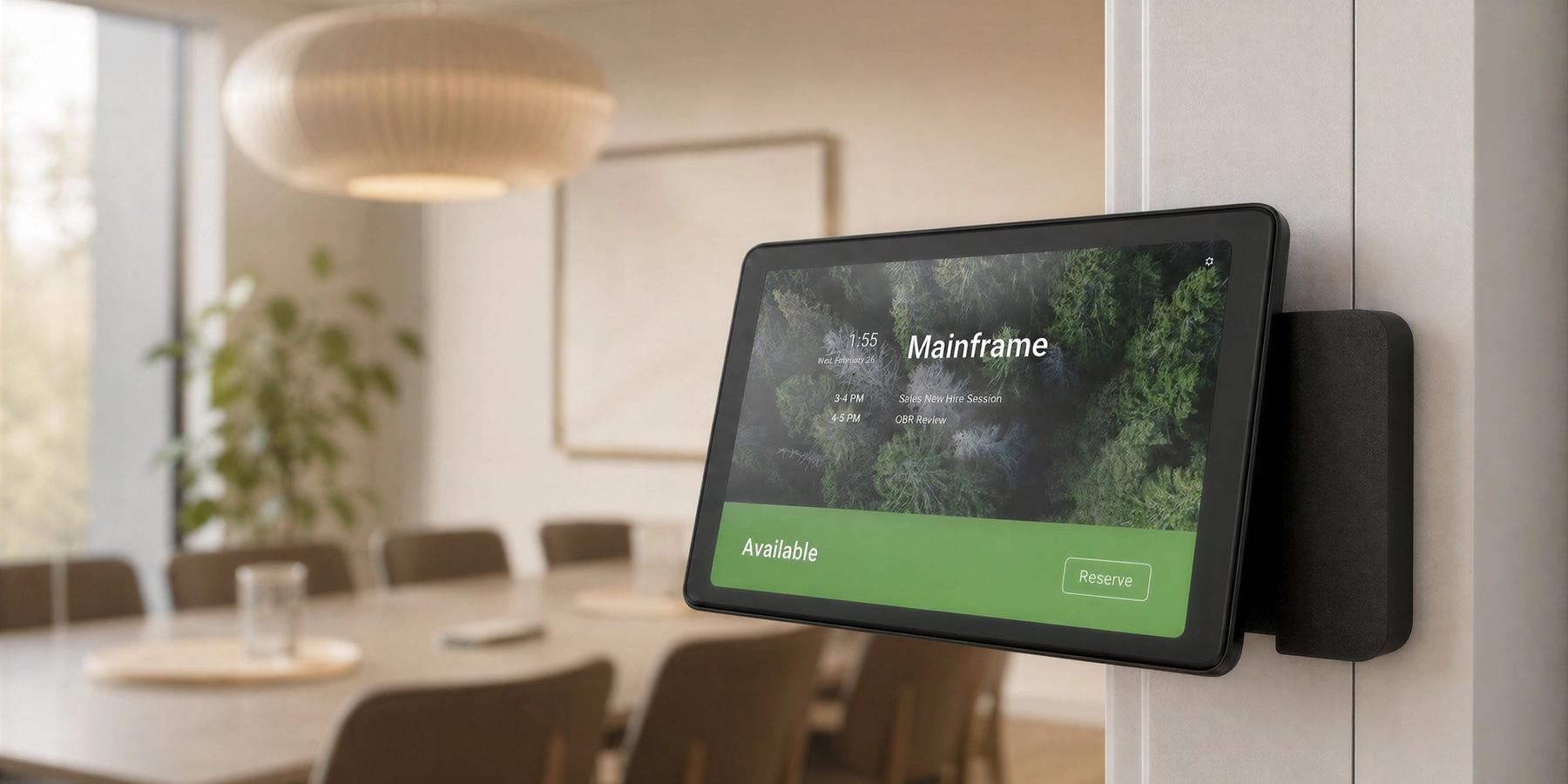
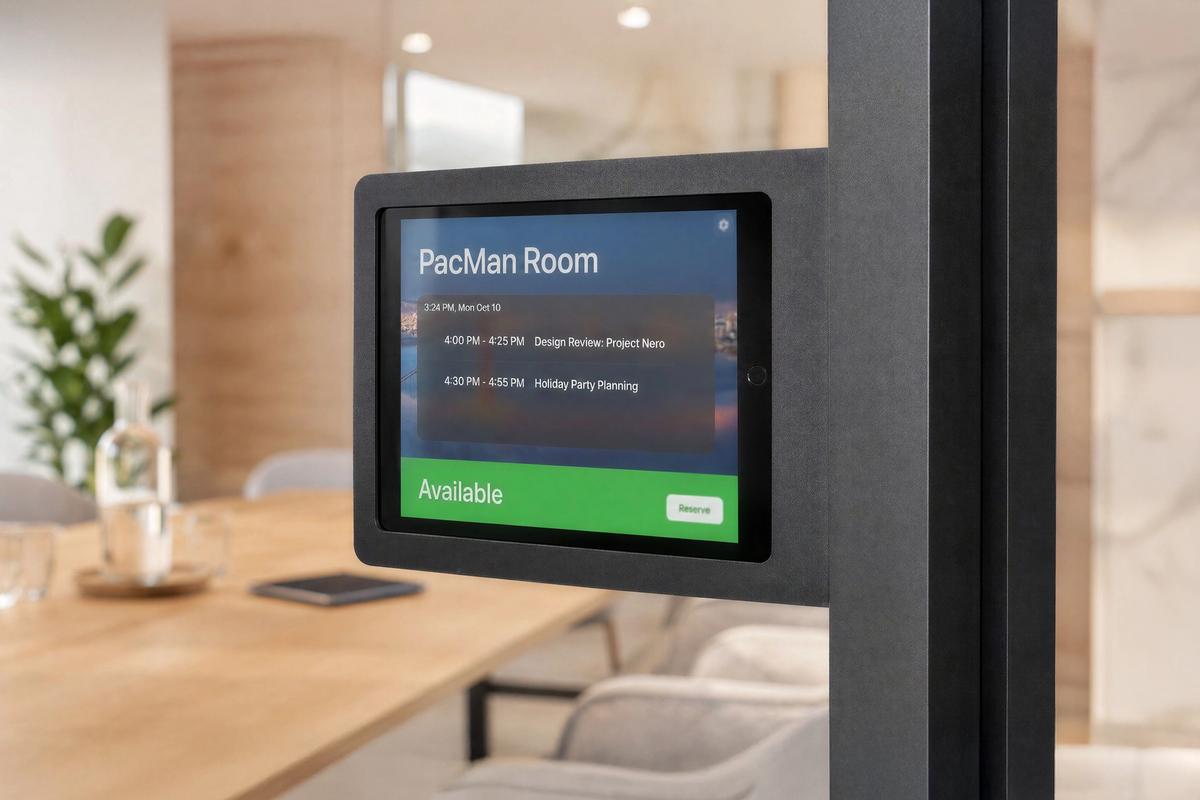
Room schedulers live in one of the most visible places in the workplace: just outside the meeting room. They need to be easy to read, easy to reach, secure, powered, and aligned with the architecture around them.
Heckler room scheduler mounts support iPad and Neat Pad deployments on walls, glass mullions, side conditions, and front-facing glass installations.
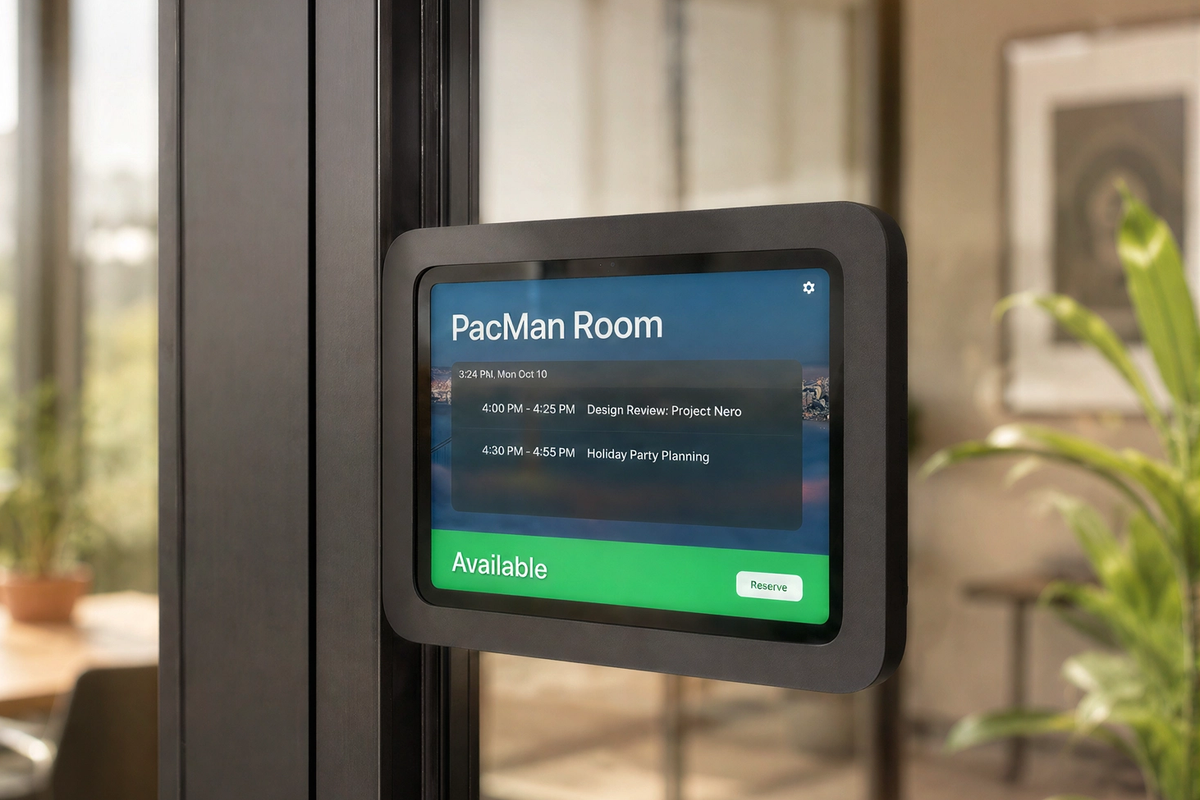
A dedicated iPad room-scheduling mount for conference rooms, shared workspaces, classrooms, and workplace neighborhoods.
View scheduler mount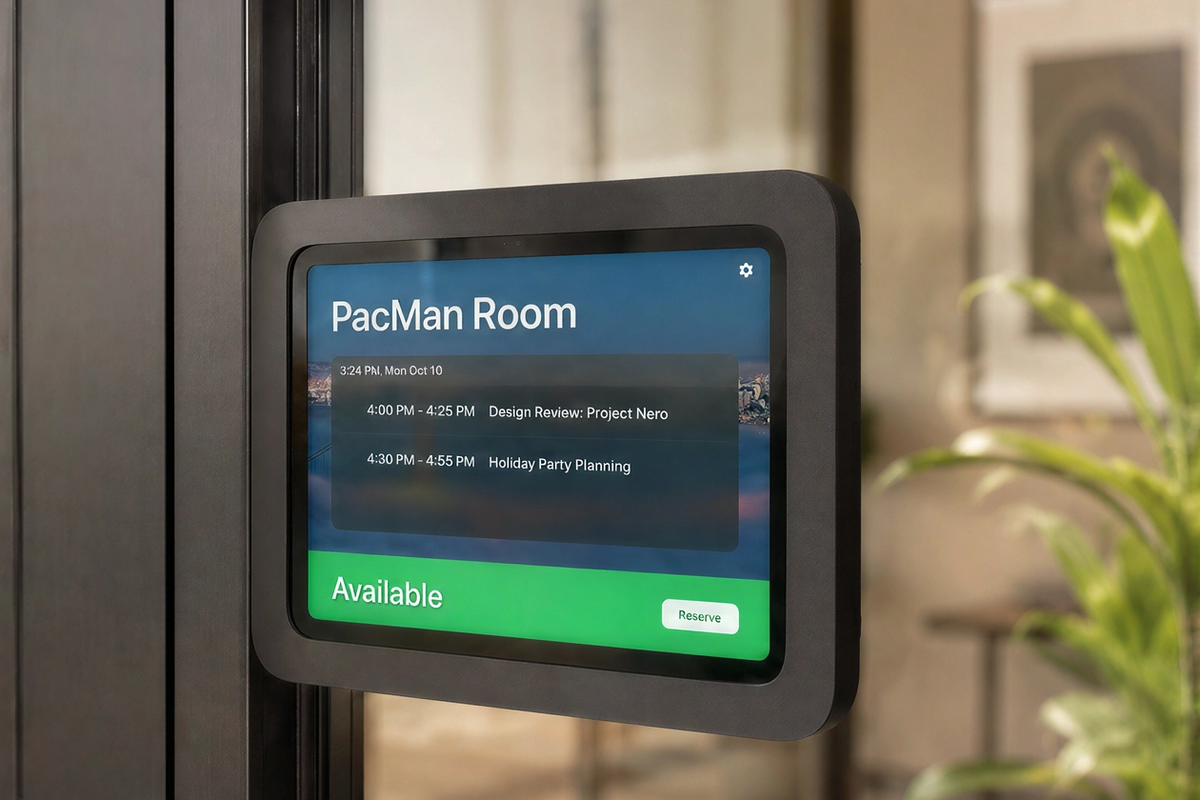
A compact scheduling solution for tight mullions, smaller meeting rooms, phone rooms, and clean architectural entries.
View iPad mini mount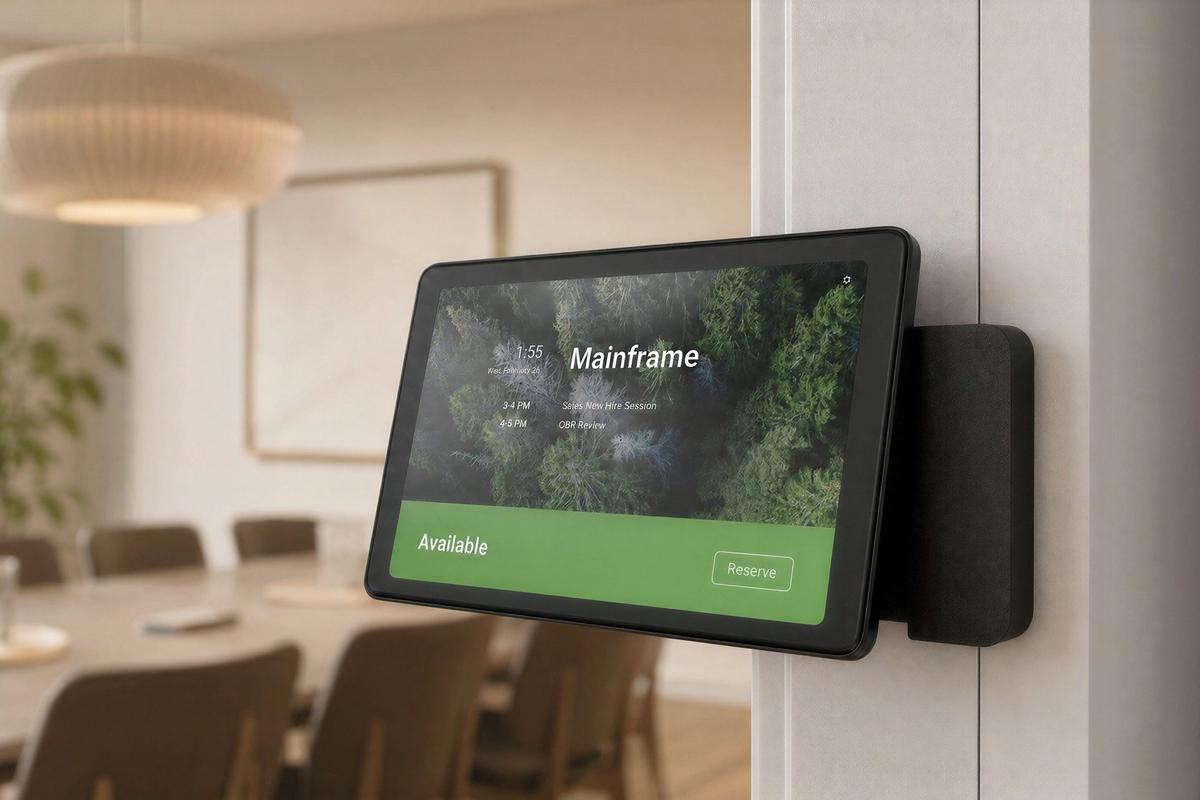
A mullion-mounted solution for Neat Pad and Neat Pad Generation 2 deployments in modern glass wall systems and meeting room entries.
View Neat Pad mount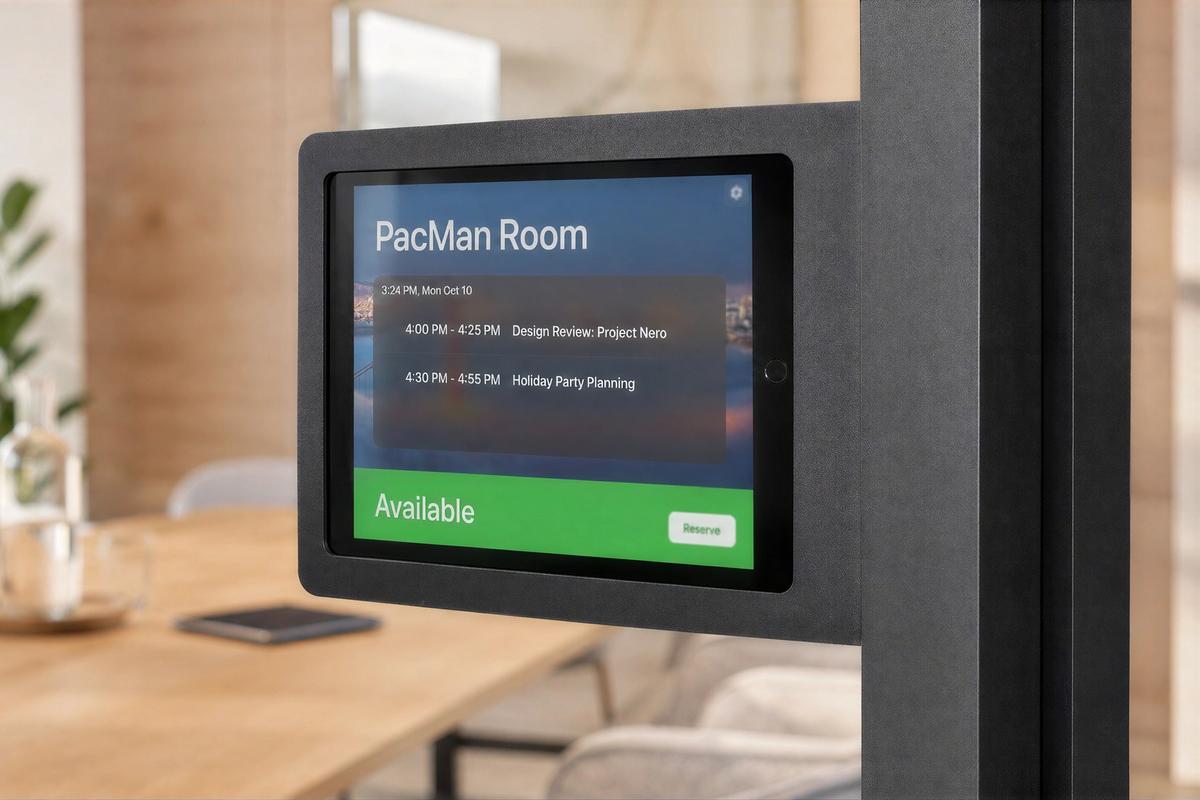
Mounting options for existing iPad fleets, including side and front glass/mullion deployments with concealed cable and adapter storage.
Explore scheduling mounts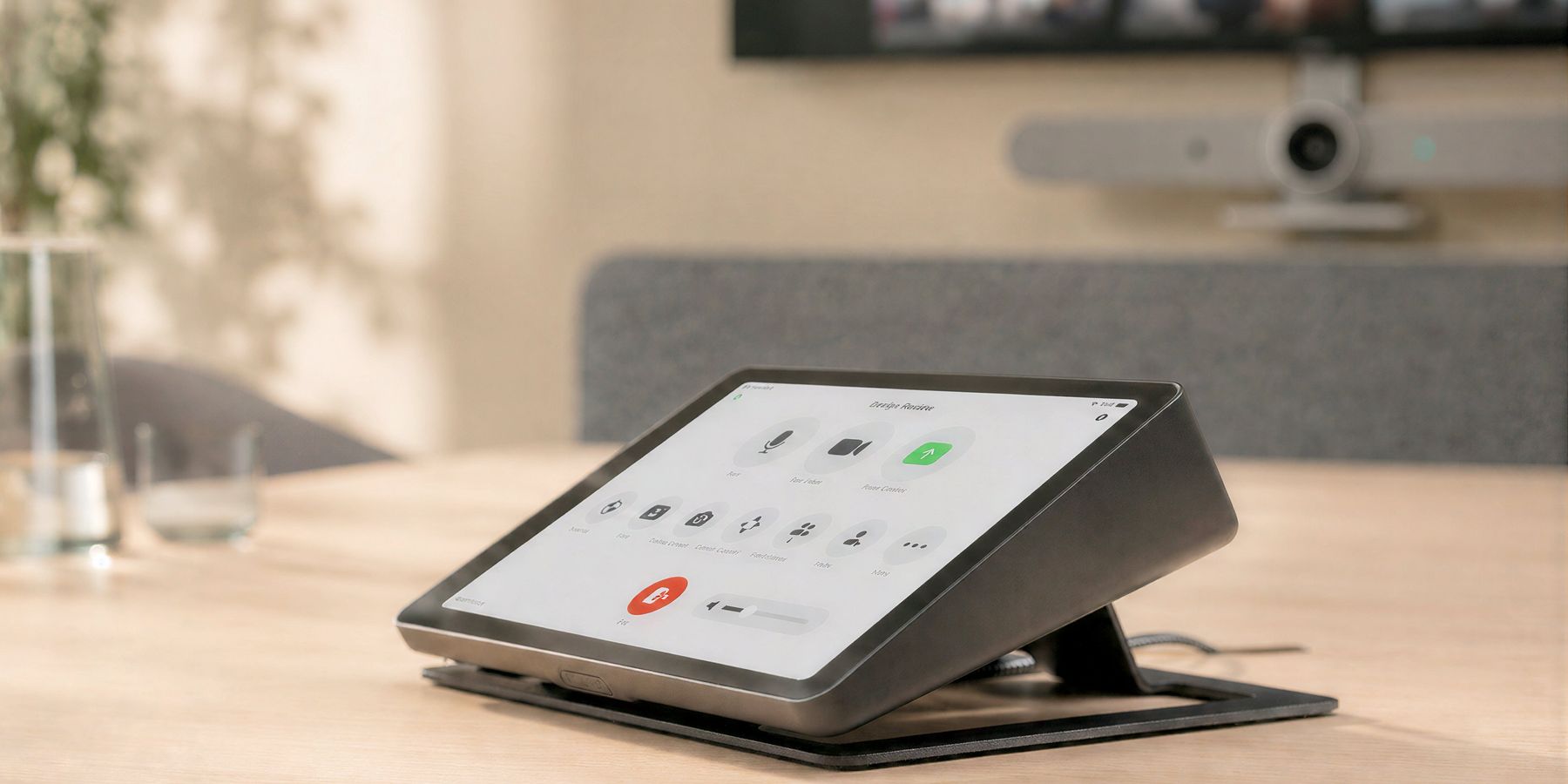
The meeting controller is the device everyone reaches for when the room needs to work. Heckler controller mounts place iPad, Neat Pad, Logitech Tap, and Zoom Rooms interfaces at useful viewing angles with durable materials, cable management, and clean presentation.
I'm very happy with my Heckler products. The build quality is fantastic, the packaging was thoughtful, and I was pleasantly surprised to see that you manufacture things right here in Phoenix.
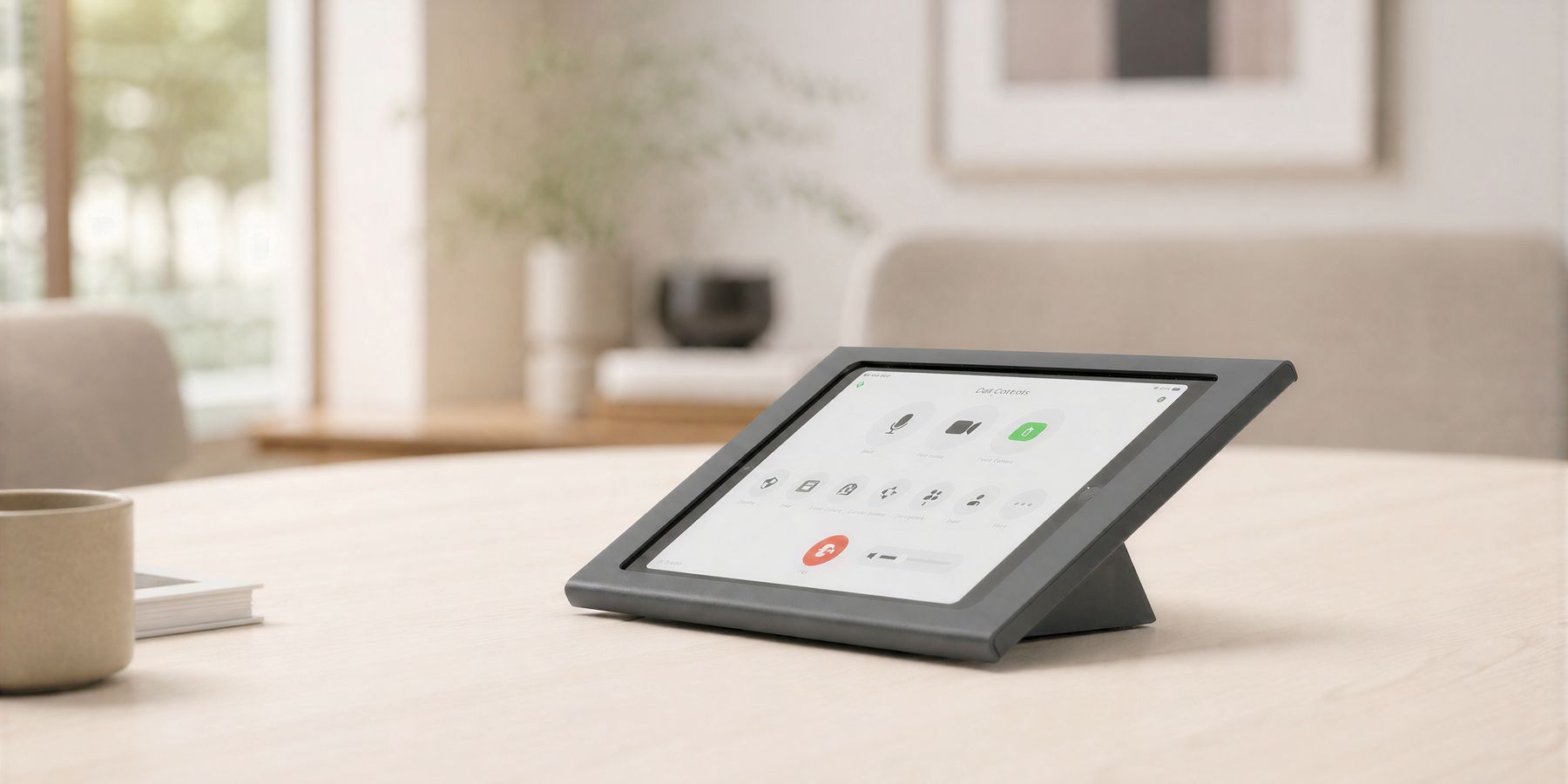
Visible enough to find, low enough to stay out of the camera view, and secure enough for shared environments.
Controllers should be visible and usable from a seated position without blocking sightlines.
Good controller hardware protects the cable path because a loose cable is often the first failure point in the room.
A controller should look and behave the same way from one room to the next.
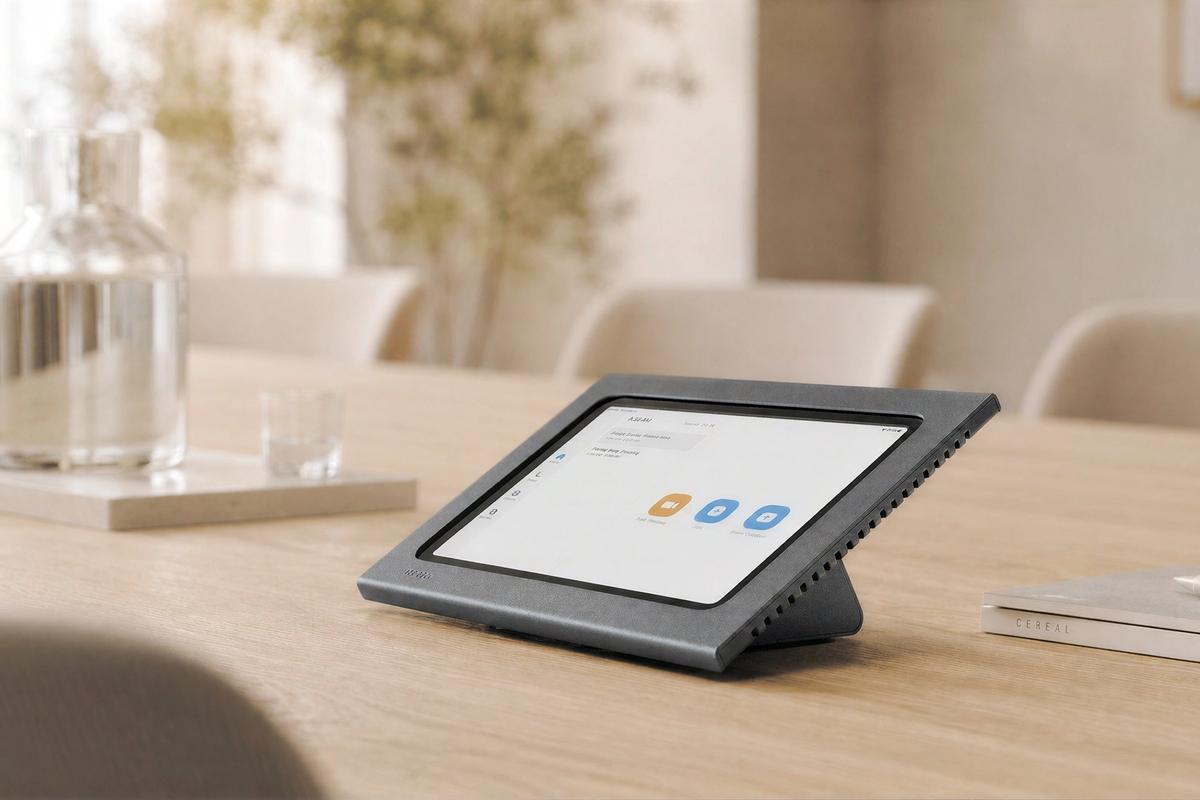
A purpose-built console for iPad-based Zoom Rooms control on meeting tables, credenzas, and shared room surfaces.
View Zoom Rooms Console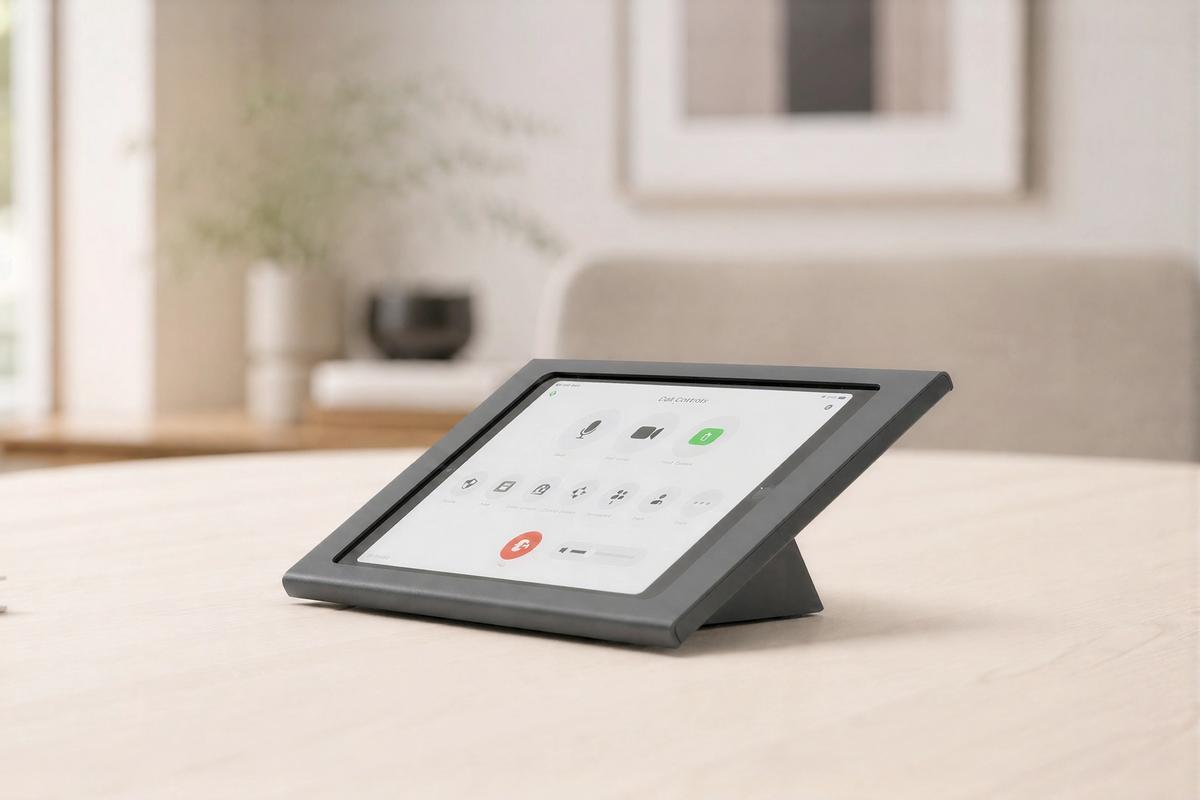
A compact controller stand for smaller rooms, secondary controls, reception, visitor check-in, and shared table interactions.
View iPad mini console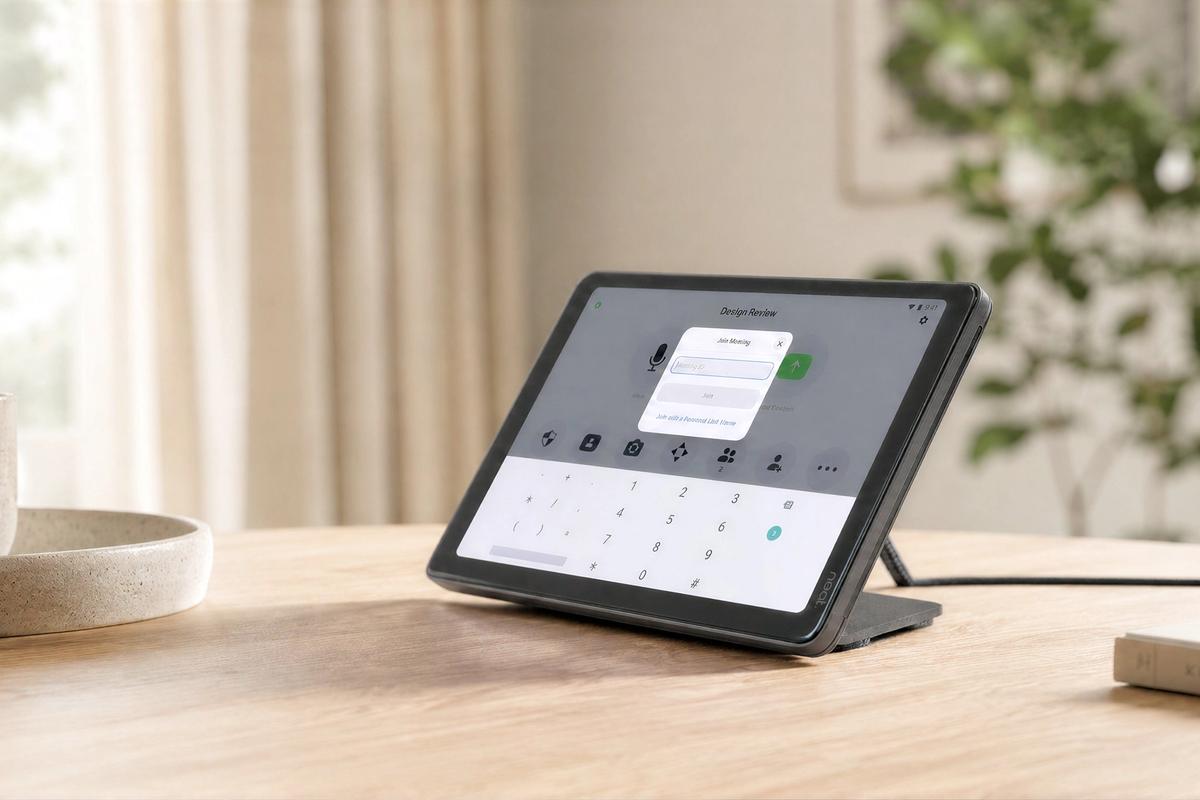
A simple steel stand that raises Neat Pad or Neat Pad Generation 2 to a more readable angle for room control and scheduling use.
View Neat Pad stand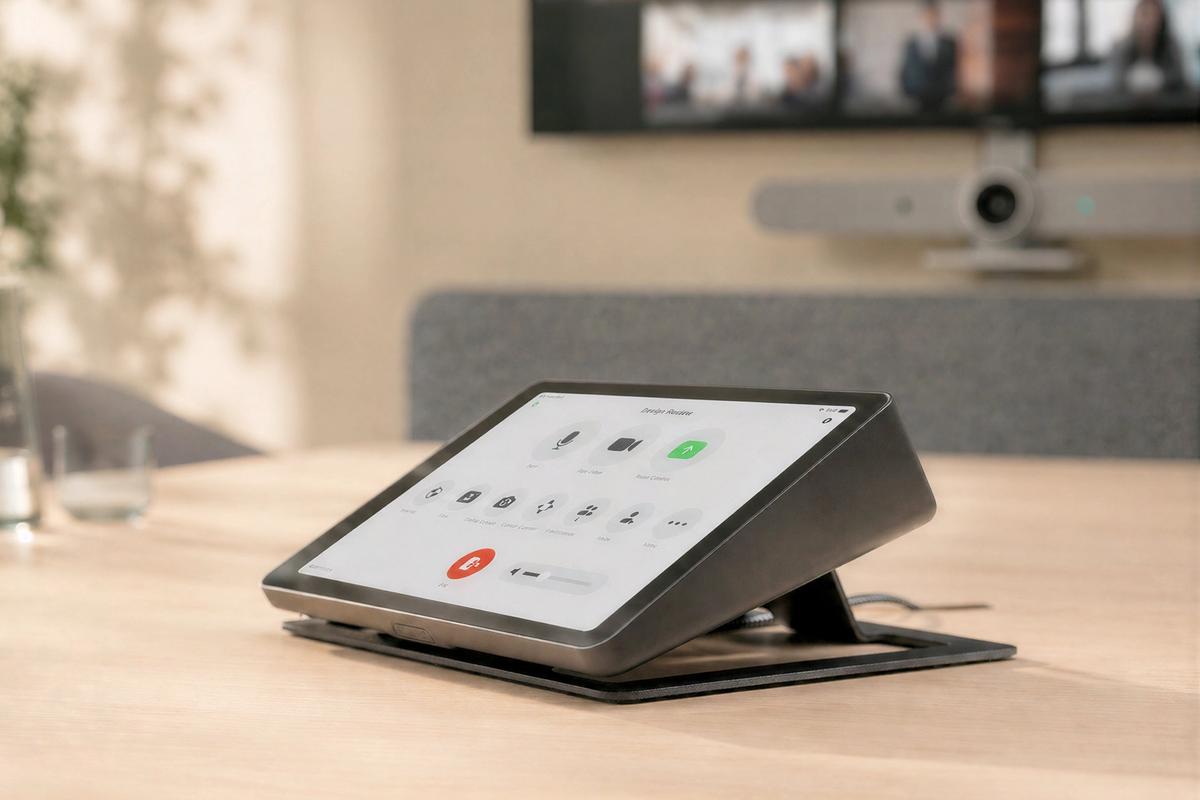
A heavy steel stand that improves the viewing angle of Logitech Tap, Tap IP, or Tap Scheduler.
View Tap stand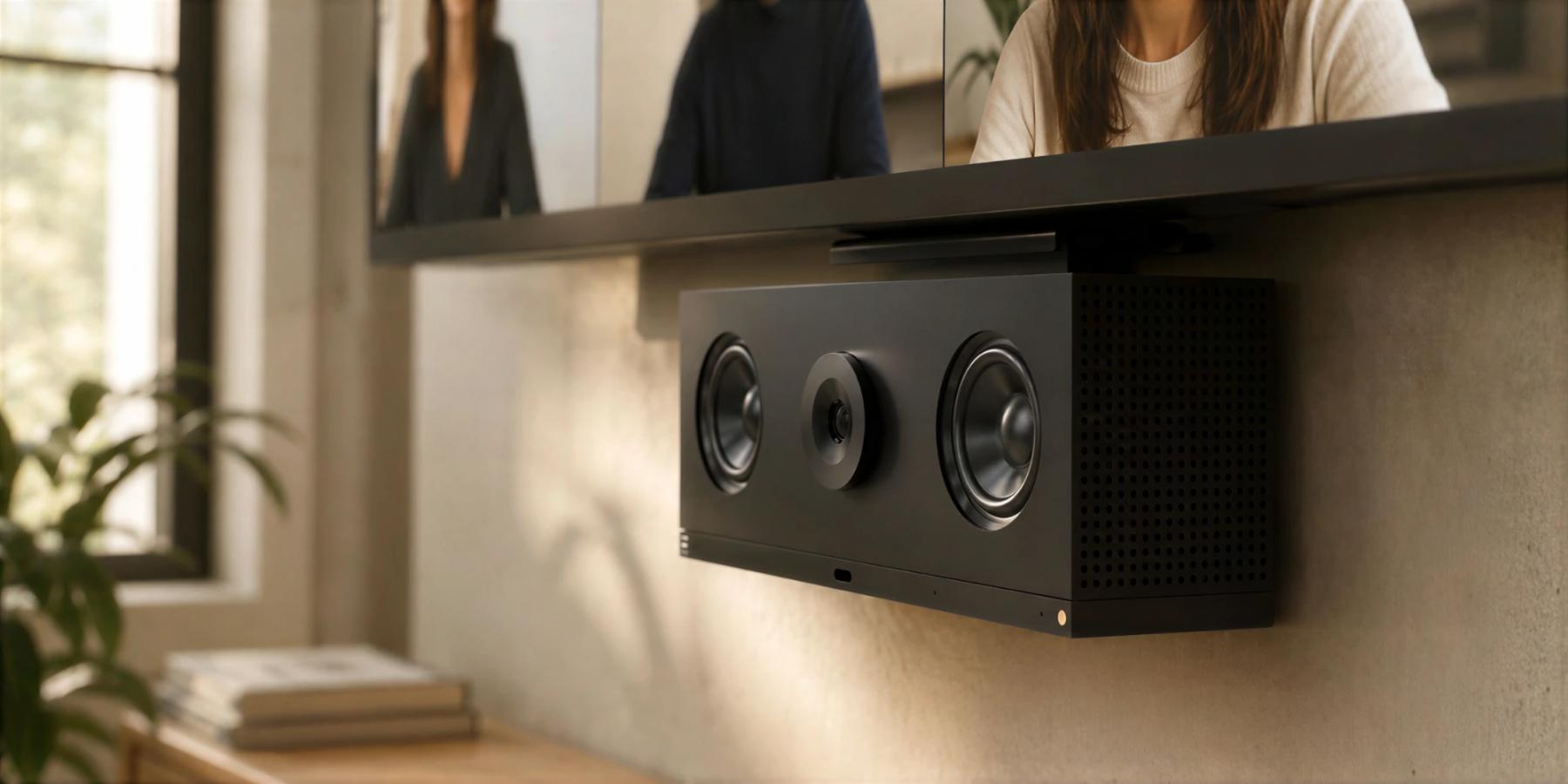
A camera mount defines how remote participants experience the room. It places the lens closer to the people, sightlines, whiteboards, and displays that define the meeting.
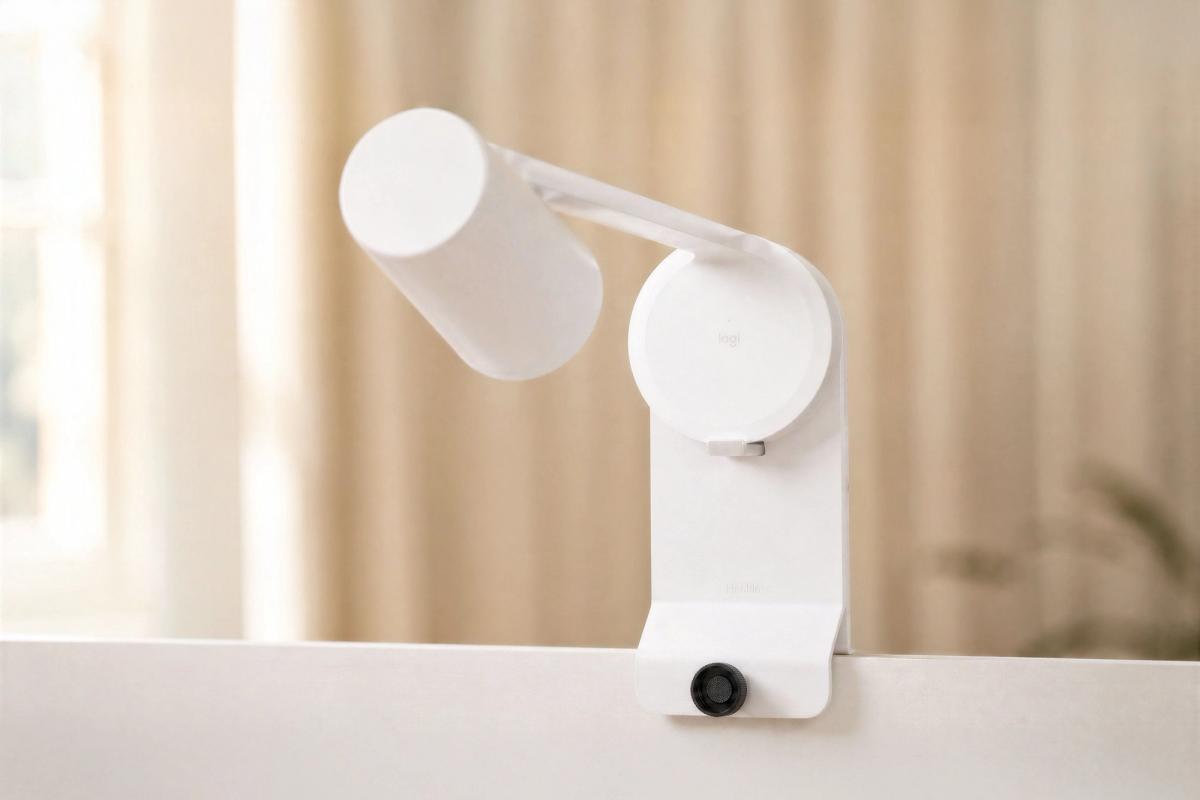
Heckler camera mounts help AV teams frame naturally, route cables cleanly, preserve service access, and repeat room standards across conference rooms, classrooms, training spaces, and mobile AV setups.
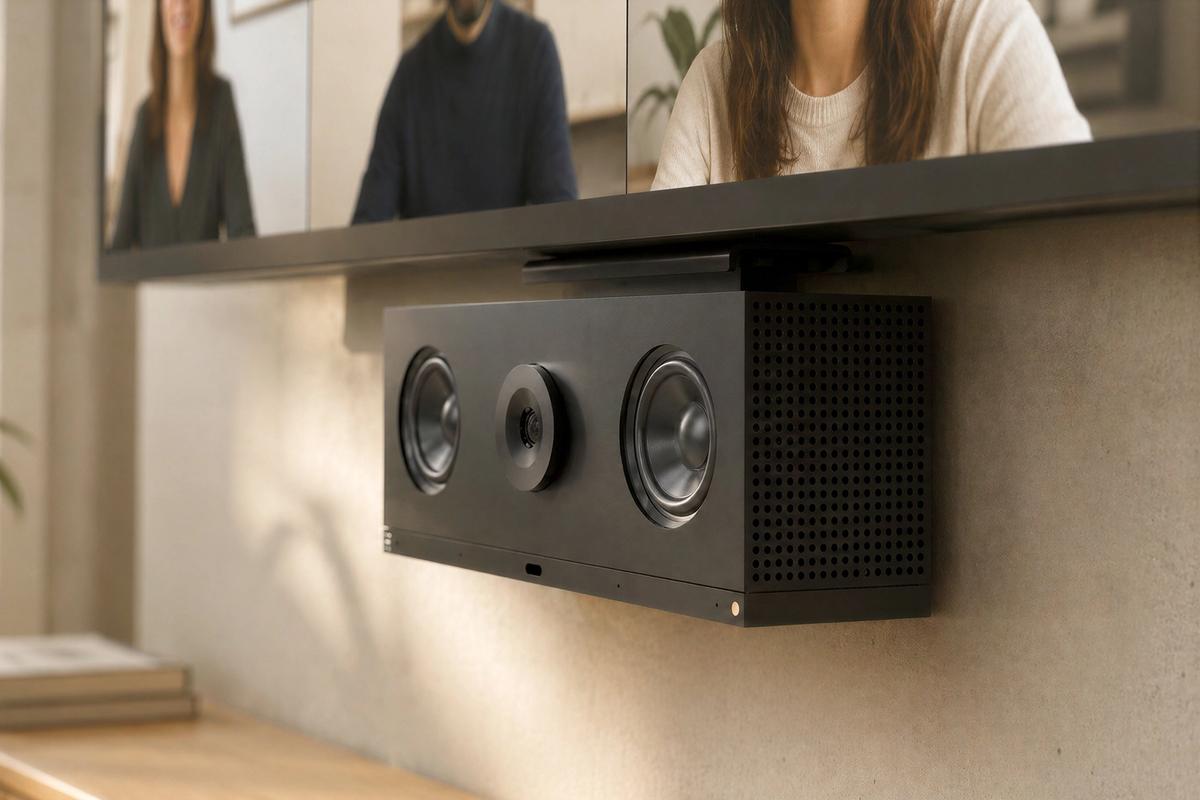
A repeatable VESA mounting standard for placing video bars directly beneath commercial displays.
Explore video bar mounts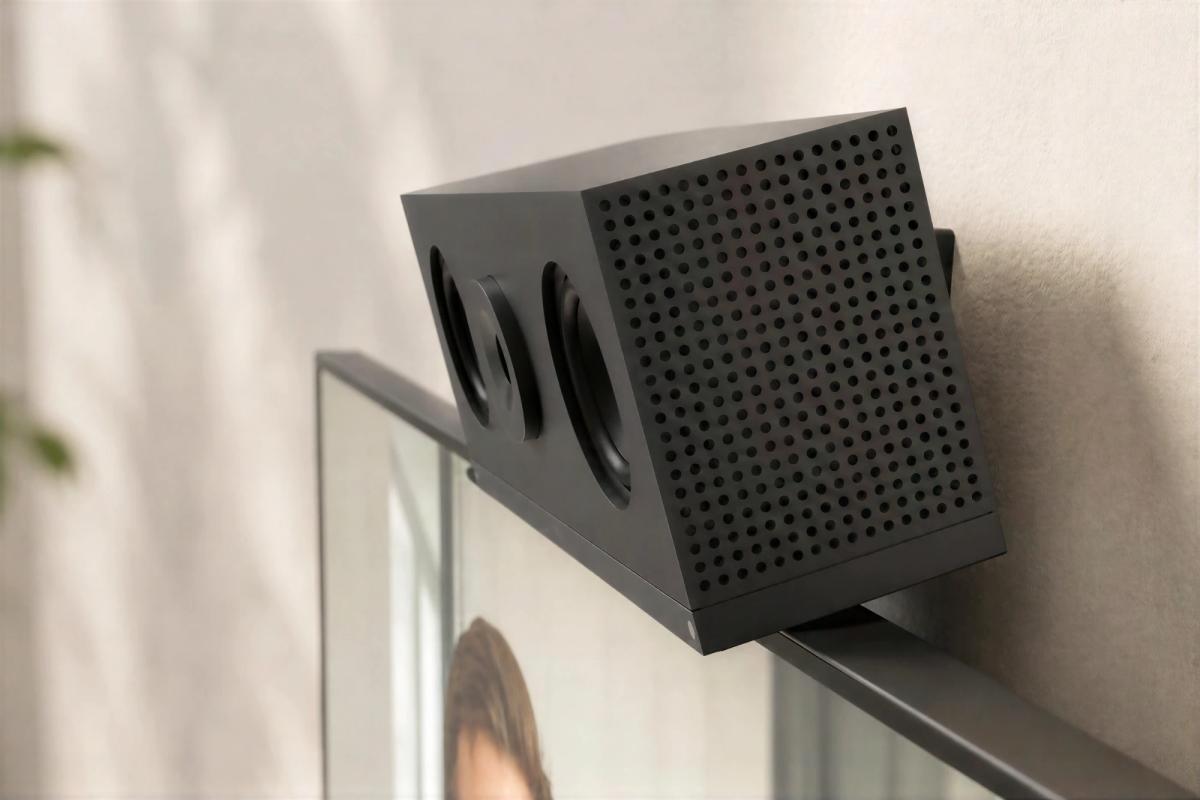
ADA, eyeline, and Huddly C1 hardware for cleaner small-camera placement and better eye contact.
Explore compact camera mounts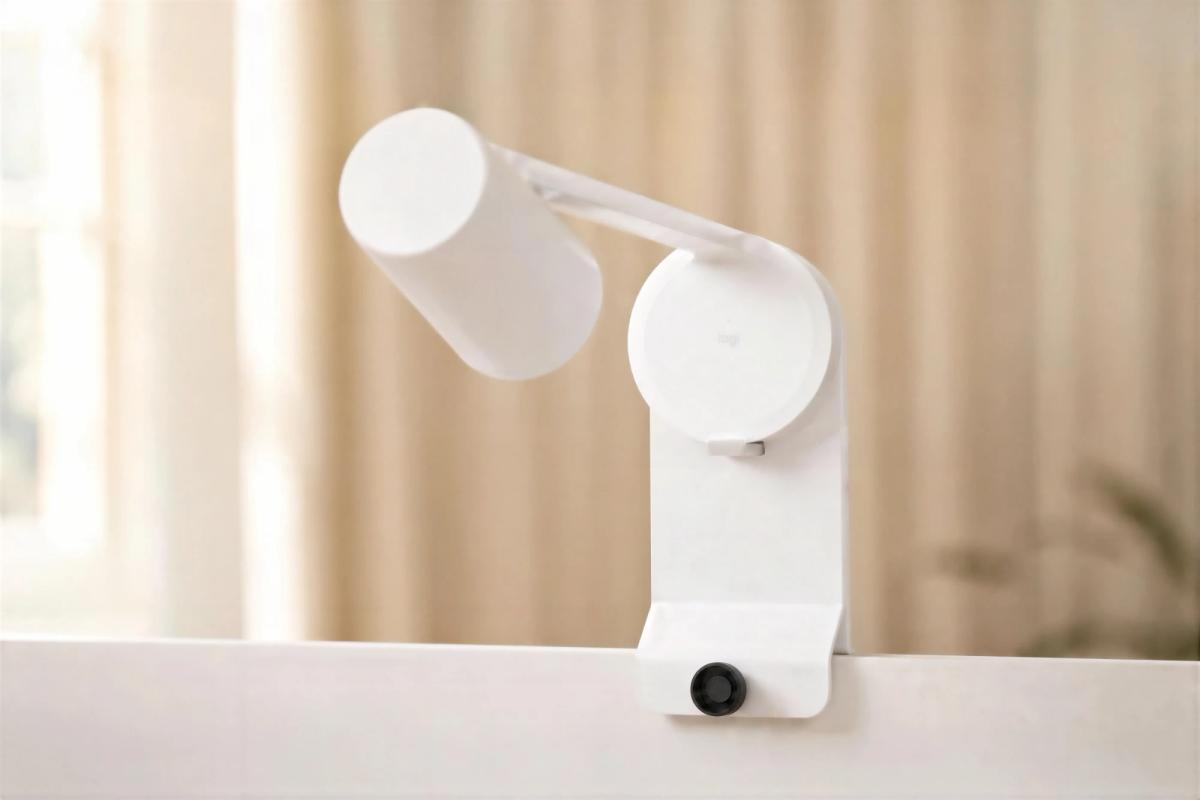
Permanent-feeling mounts for PTZ cameras and Logitech Scribe in classrooms, training rooms, and boardrooms.
Explore capture mounts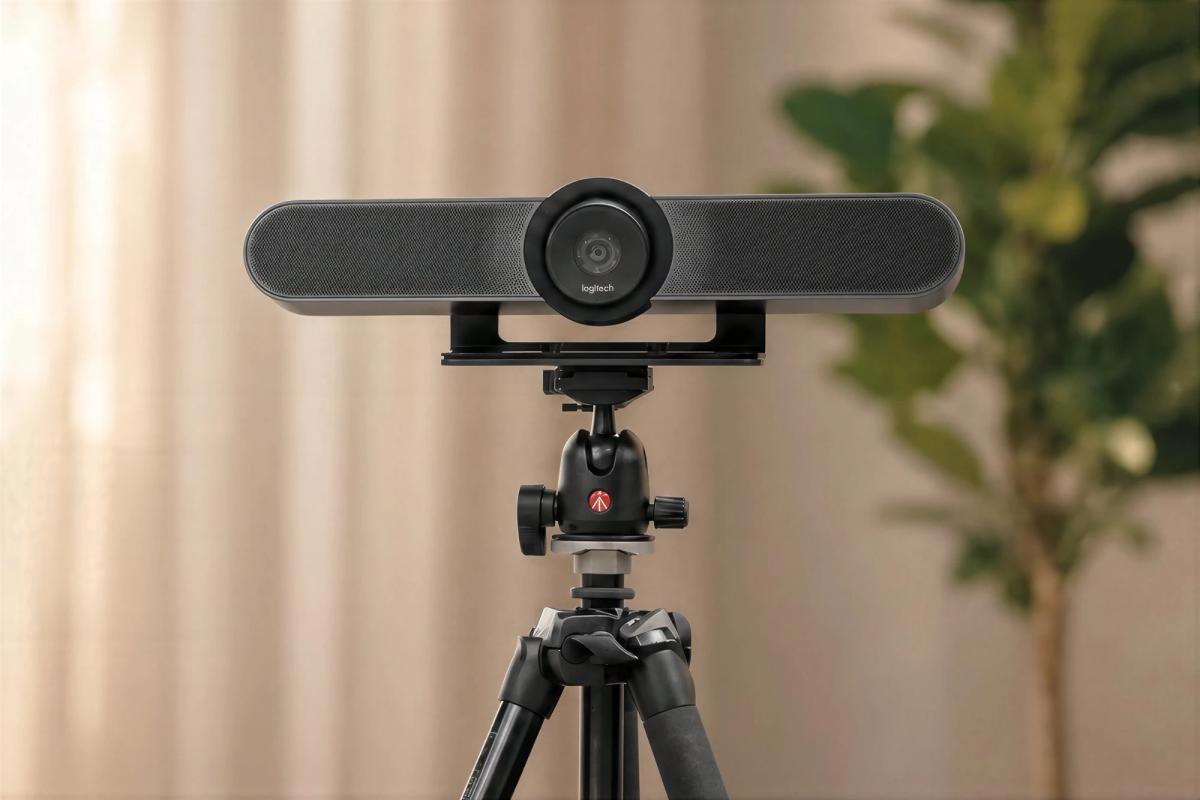
Tripod, shelf, and monitor-arm accessories for temporary rooms, streaming, training, and workstation production.
Explore flexible mountsNot every camera should disappear. In some rooms, the video device can reinforce brand, space type, department identity, or wayfinding.
Heckler's custom covers and colored Huddly C1 front plates help AV hardware align with the visual language of the environment.
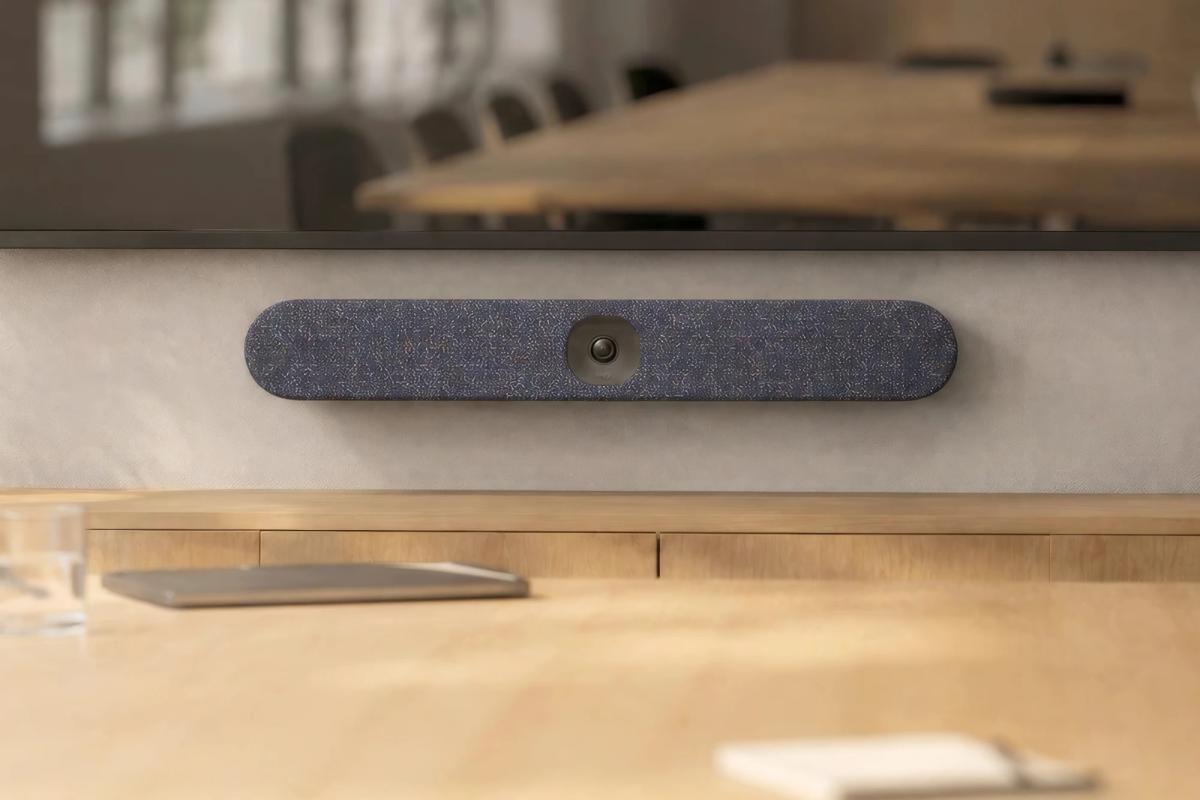
A custom printed textile cover for Logitech Rally Bar Huddle using brand artwork, patterns, room identities, or interior palettes.
View custom cover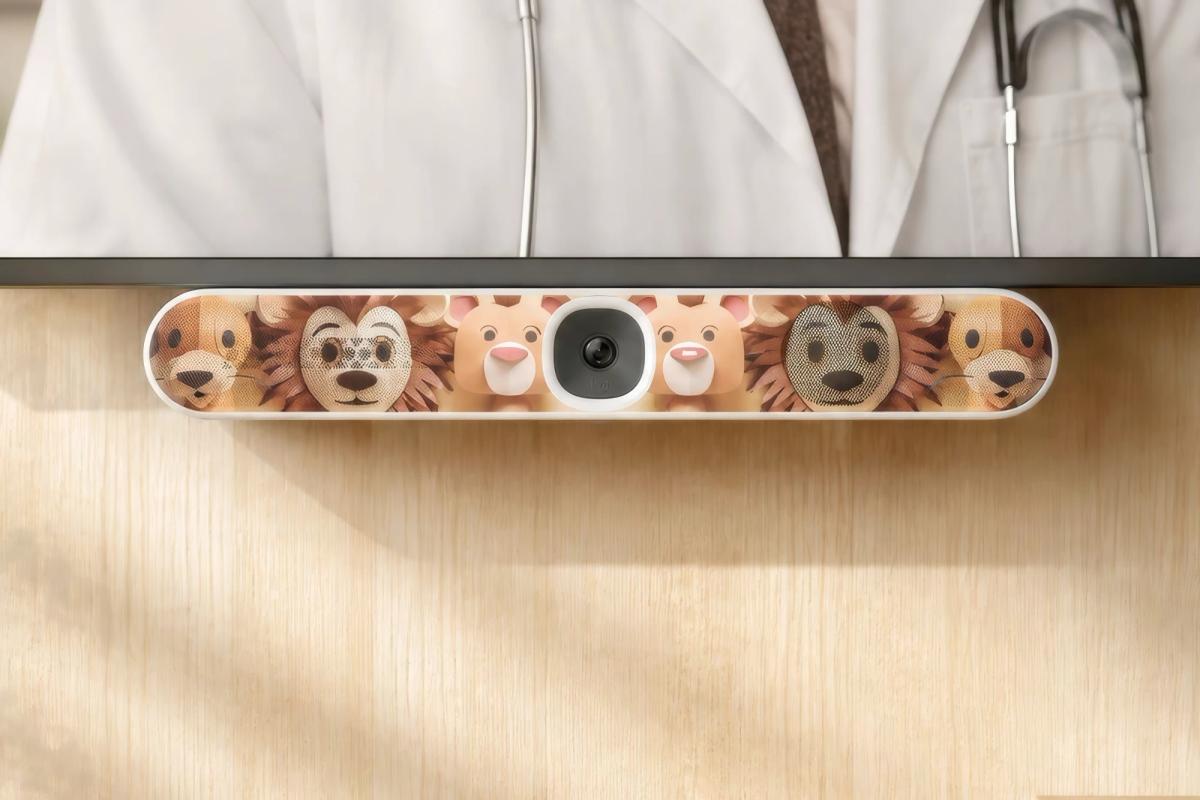
A wipeable custom cover option for healthcare, education, and other high-touch spaces where frequent cleaning is part of the operating model.
Explore easy clean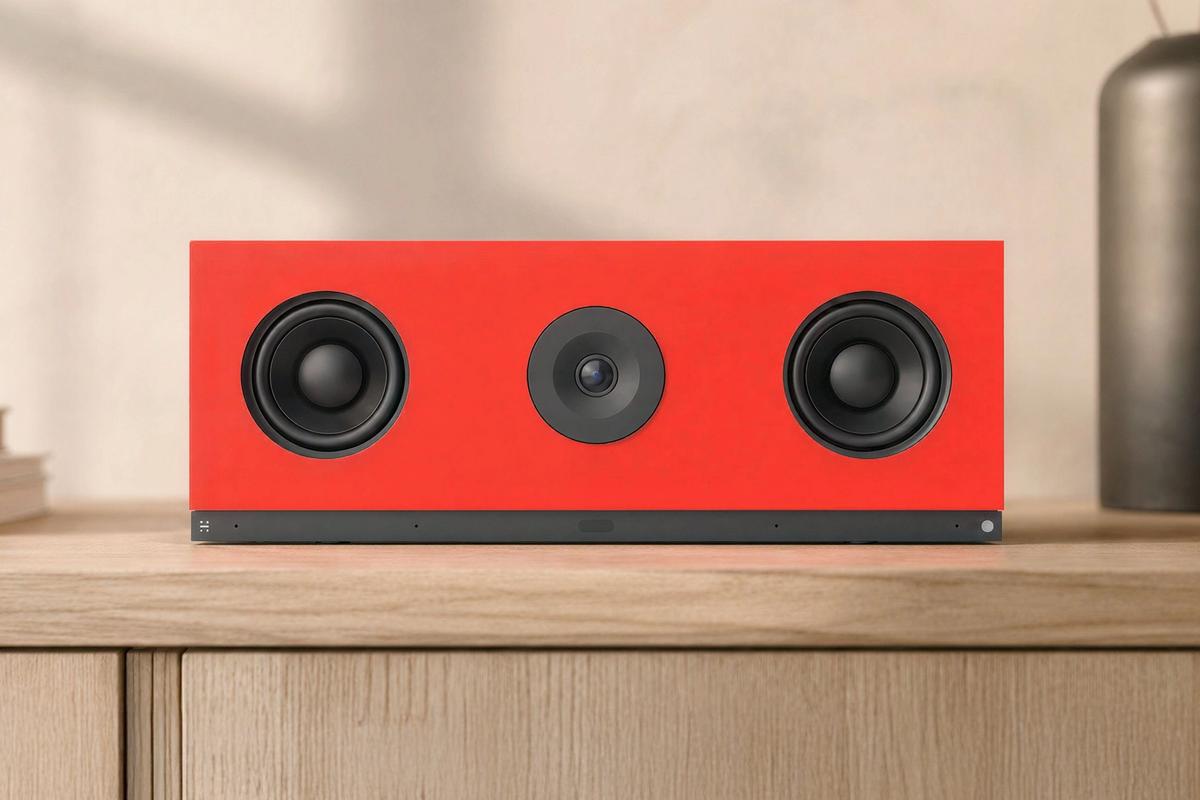
Available in expressive standard colors with custom color options for larger projects.
View front plates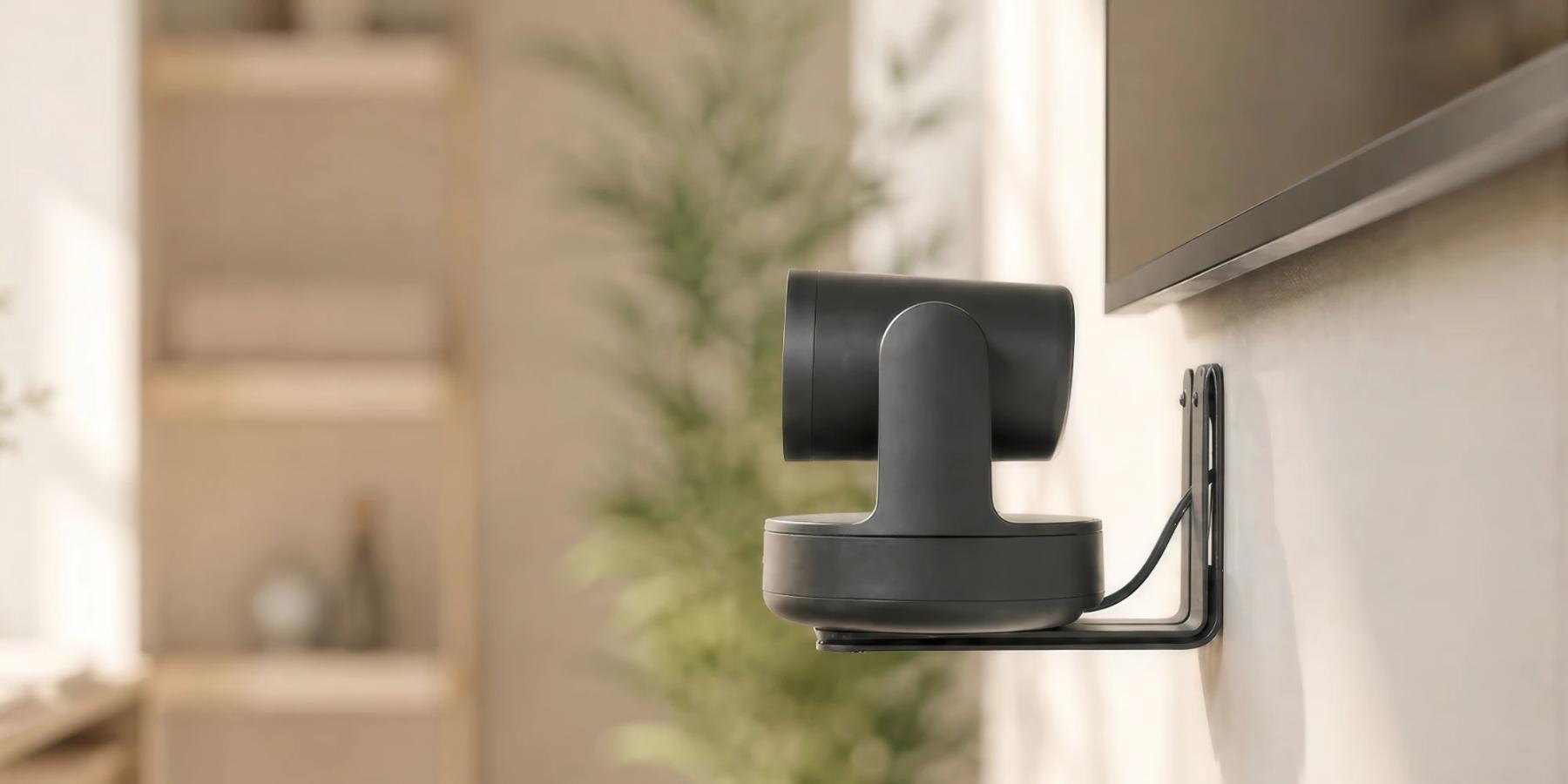




A clean deployment depends on more than the main mount. It depends on how the mount meets the surface, where the cable goes, how the device receives power, and how the installation can be serviced later.
Heckler accessories help installers complete the system with the same level of fit, finish, and repeatability as the visible hardware.
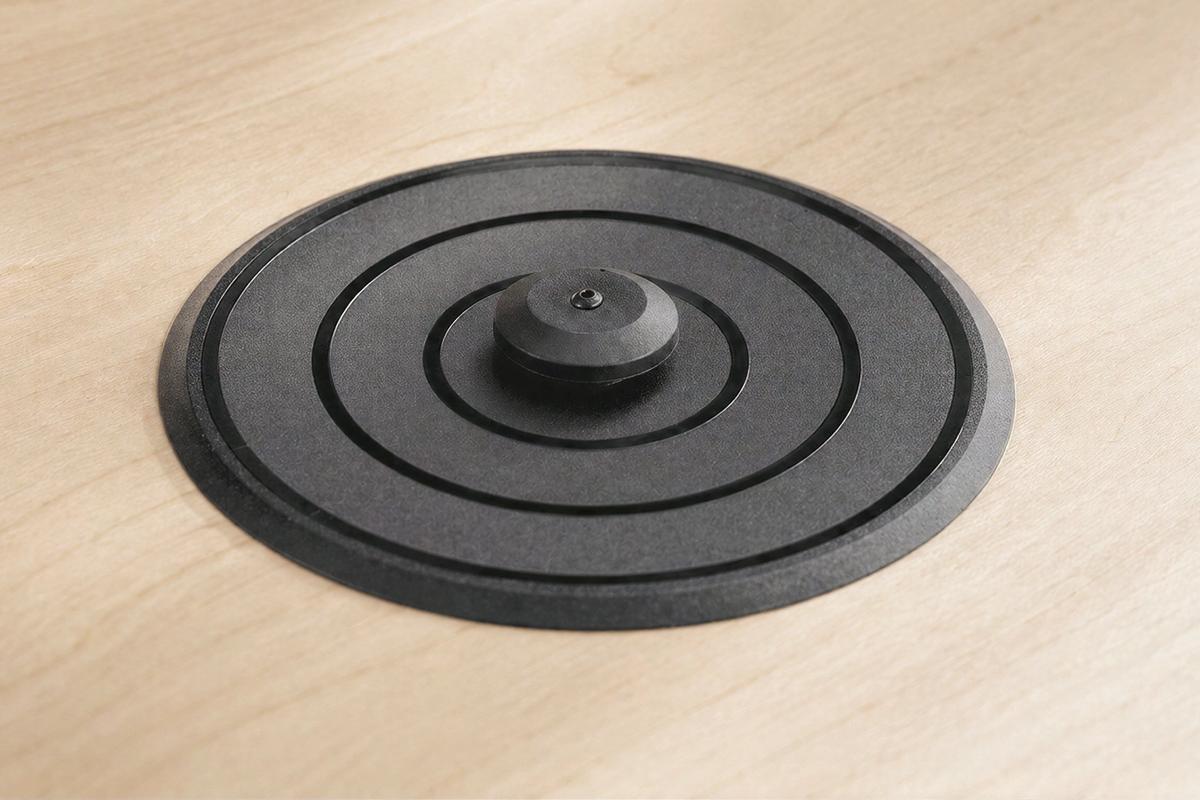
A mounting base for WindFall stands that can secure a countertop tablet while preserving rotation and serviceability.
View PivotTable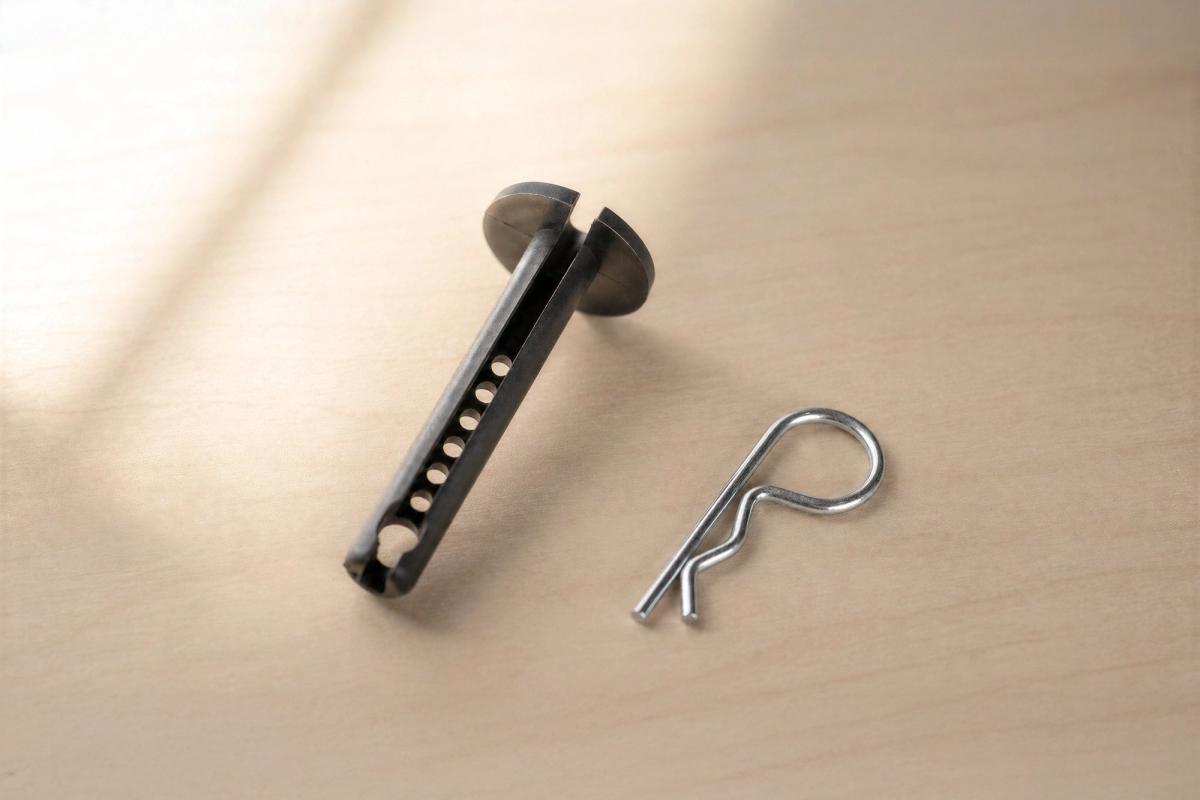
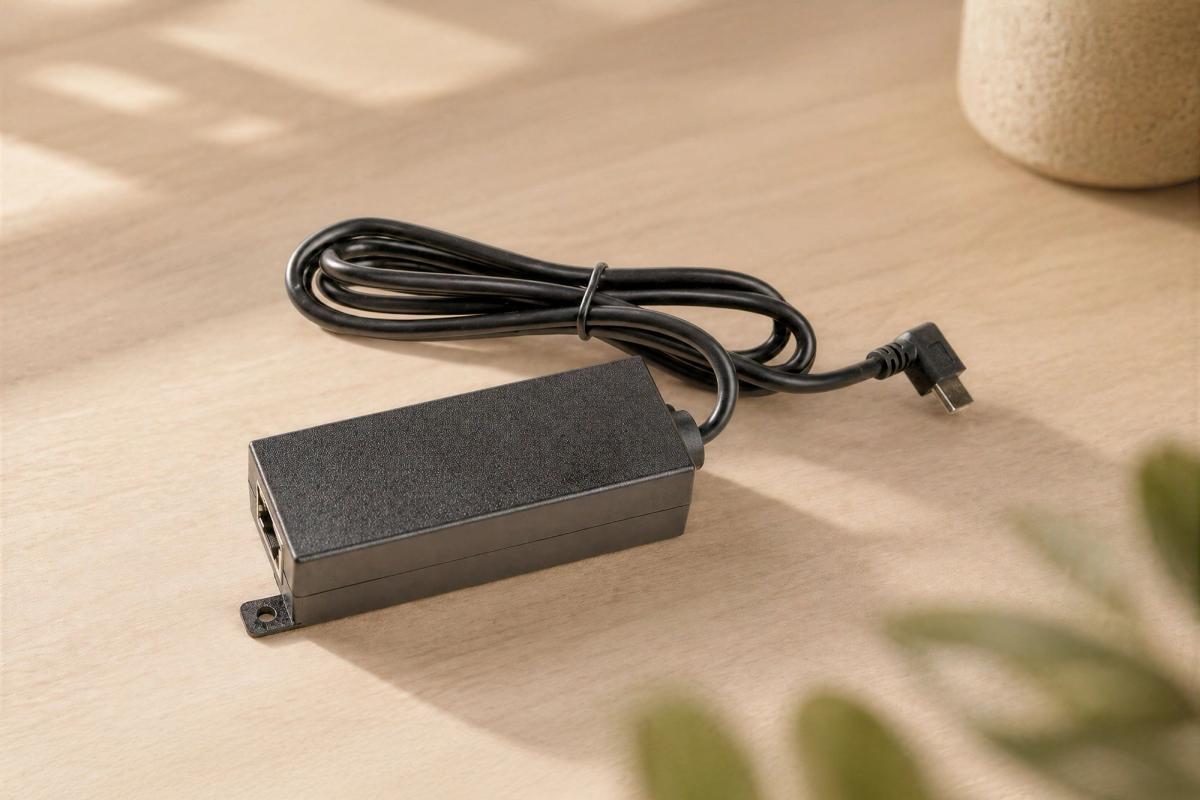
Accessory options for delivering power and data to compatible tablet mounts without visible power bricks or loose cables.
View PoE adapterThe same hardware discipline applies across many environments. Whether the device is a tablet, camera, controller, scheduler, or power supply, the goal is consistent: make it secure, usable, serviceable, and integrated.
Room schedulers at glass entries, controllers on tables, cameras at the right eye-line, and video bars mounted consistently across huddle rooms, conference rooms, boardrooms, and open collaboration spaces.
Tablet check-in, classroom control, whiteboard capture, PTZ cameras, tripod-mounted cameras, and flexible AV kits for teaching, hybrid learning, and distance instruction.
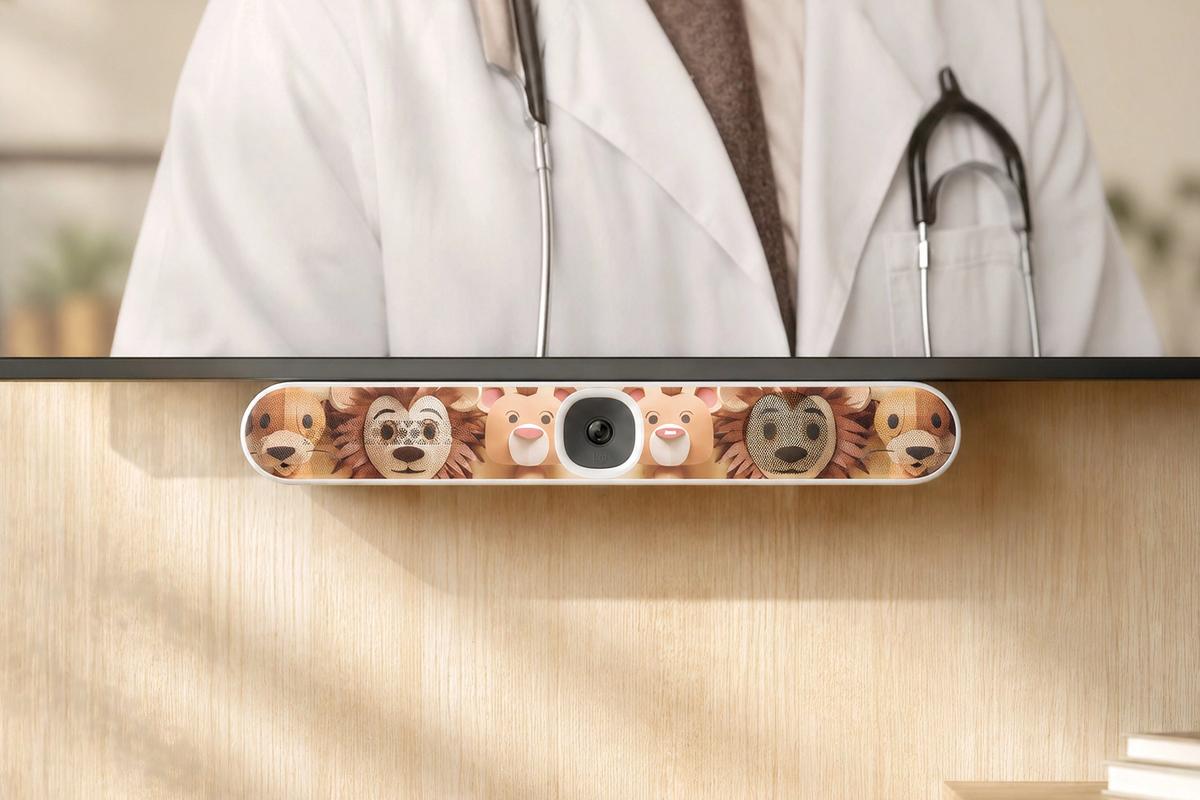
Wipeable covers, secure tablets, wall-mounted controls, patient-room communication, remote specialist consults, and accessibility-conscious camera mounting.
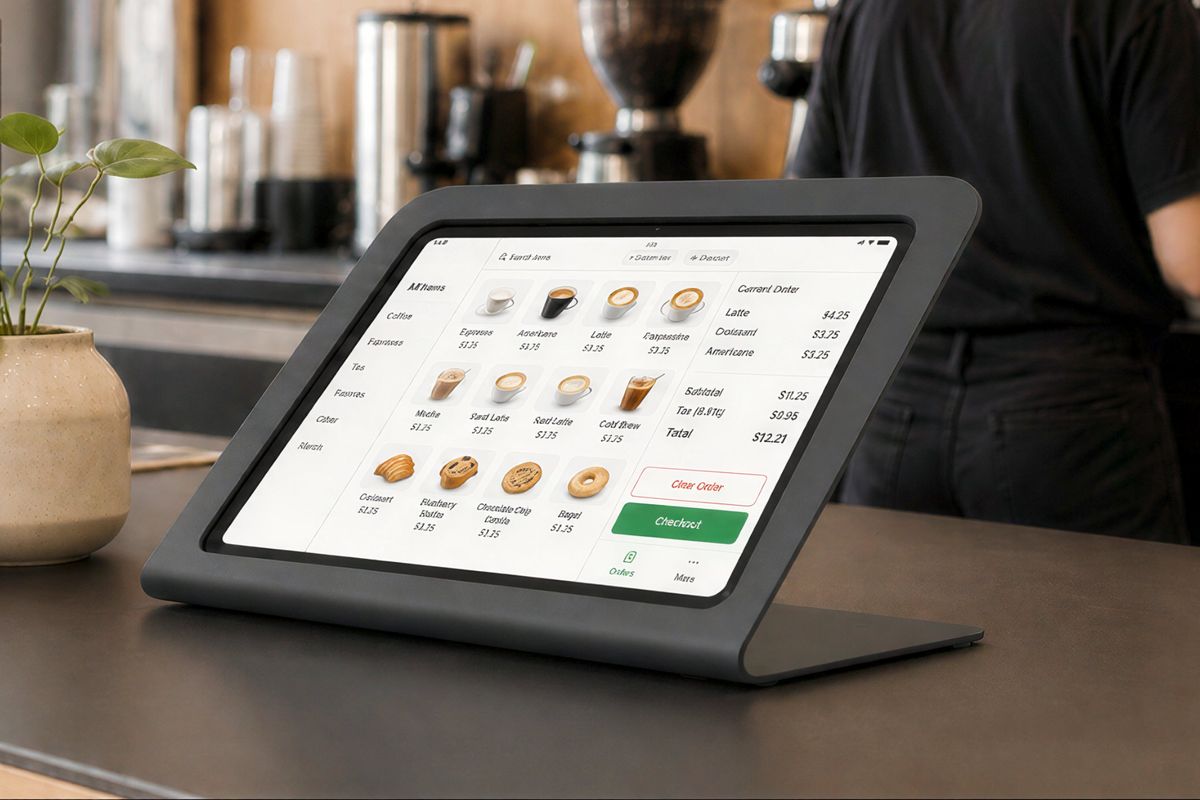
POS stands, self-service kiosks, check-in tablets, digital signage, event-space controllers, and durable hardware for public-facing use.
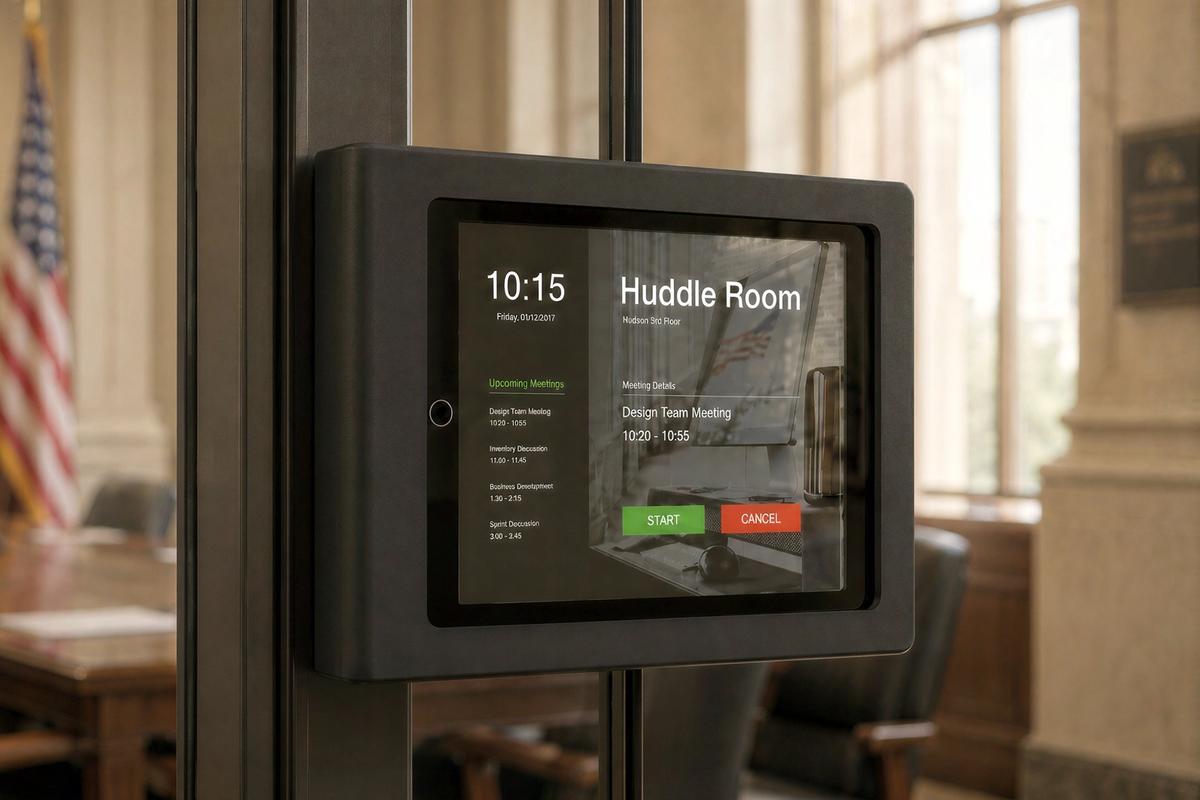
TAA-compliant options, repeatable standards, secure mounting, and hardware designed for long service life across large facilities and distributed deployments.
The best mounting hardware disappears into the experience without disappearing from the standard. It should protect shared devices, keep cables and service access under control, respect the architecture around it, and make every room easier to repeat.
Shared devices need protection, but users should not feel like they are interacting with a cage.
Cables affect reliability, cleanliness, serviceability, and the perceived quality of the room.
Mounts should align with walls, glass, mullions, counters, display edges, tablet proportions, and camera sightlines.
A great mount is easy to specify, install, repeat, service, and replace across many rooms and device types.
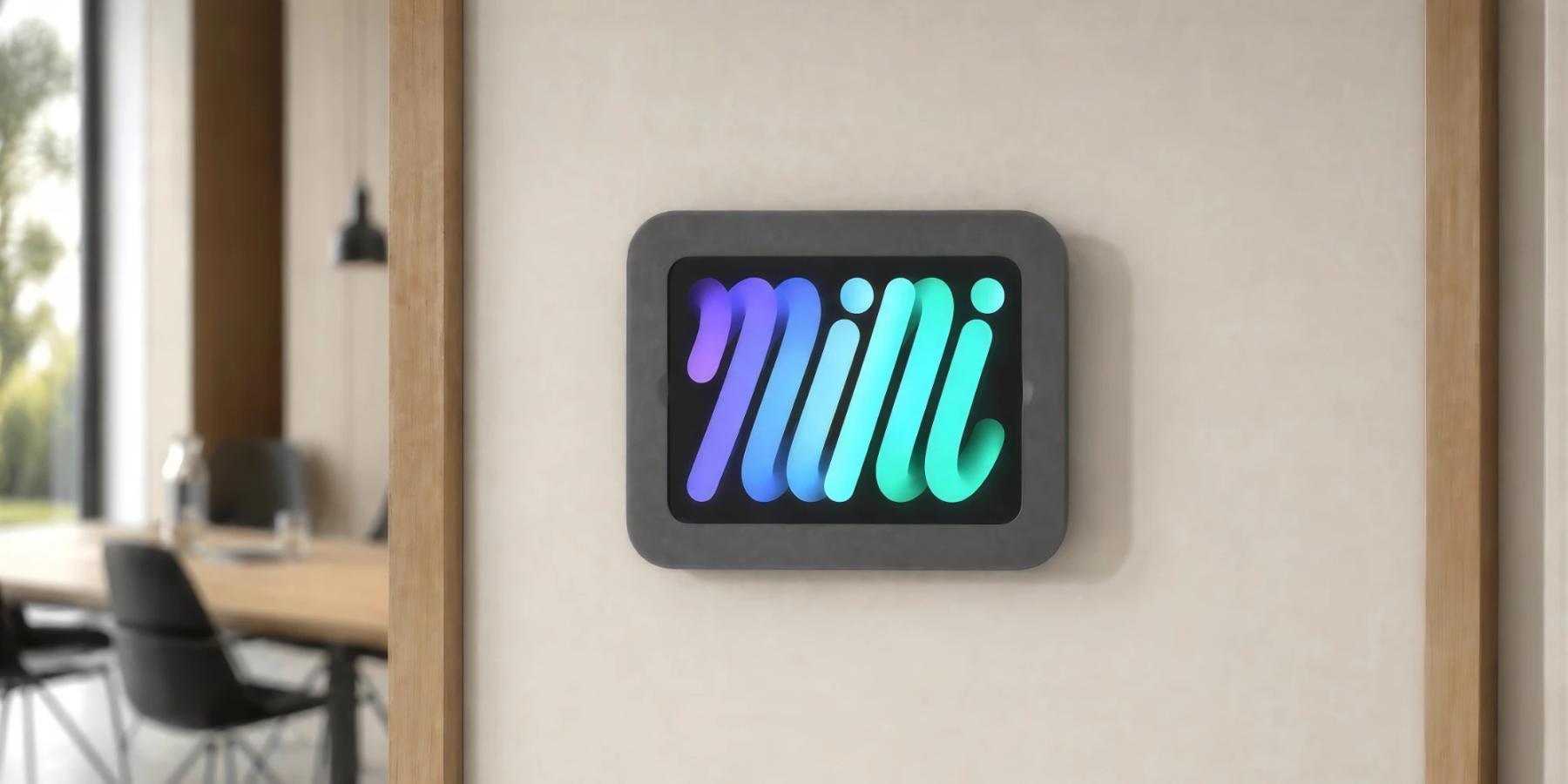
Mounts are the connective tissue of a technology deployment. They determine whether devices stay secure, cameras frame naturally, cables remain hidden, power supplies stay accessible, and every room feels like part of the same standard.
For single rooms, shop online. For multi-room standards, education, healthcare, government, enterprise, or global deployments, our team can help you select the right mounting approach for your devices, room types, and installation conditions.