
H1042
Rally Bar Mount for Heckler Mobile Fleet
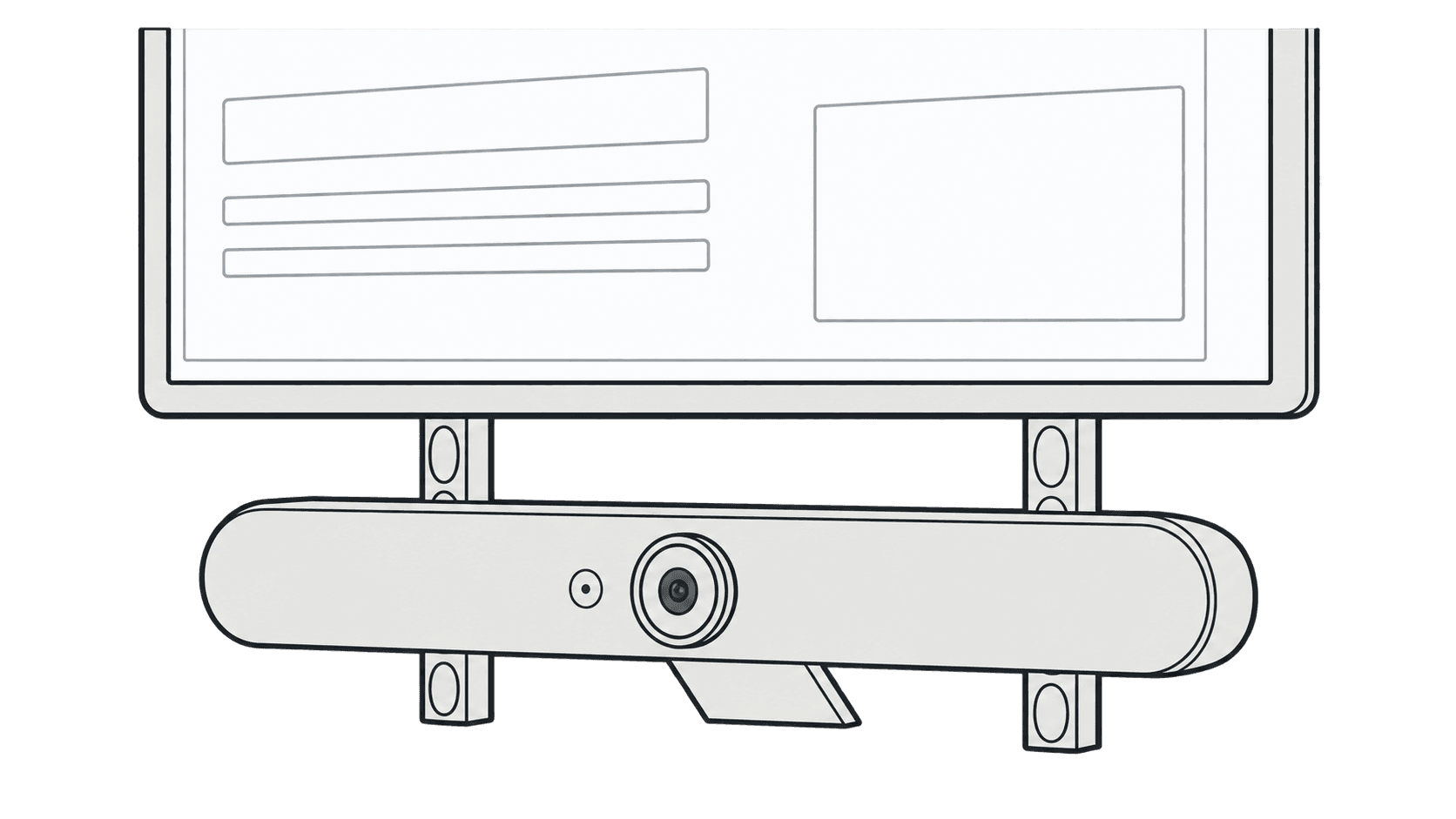
Attach the Rally Bar Mount to the Mobile Fleet Hub and fasten the video bar.
This guide is also available as a printable PDF.
In the box
- Rally Bar Mount Bracket
- Assembly thumbscrews (2)
- 1/4-20 Camera-mounting screws (2)
Remove the shelf top from the Hub.
Center the Rally Bar Mount along the tray and insert the threaded posts through the slots in the tray's rear surface.
Secure the Mount to the tray using the provided thumb nuts.
Attach Rally Bar to the Rally Bar Mount
Use the included 1/4-20 screws to fasten your Rally Bar to the mount.
Connect the cables to your Rally Bar.
Guide the cables through the slots in the Rally Bar Mount and into the tray.
Attach the rear cover to your Rally Bar.
Replace the shelf top on the tray.