Welcome to the new Heckler website. Need help or want to share feedback? Use chat or the Feedback tab.

Skip to guide content

In this guide

H1051

Logitech Tap Shelf for Heckler Mobile Fleet

Fit the Tap feet and shelf to a Mobile Fleet stand column, then position the controller.
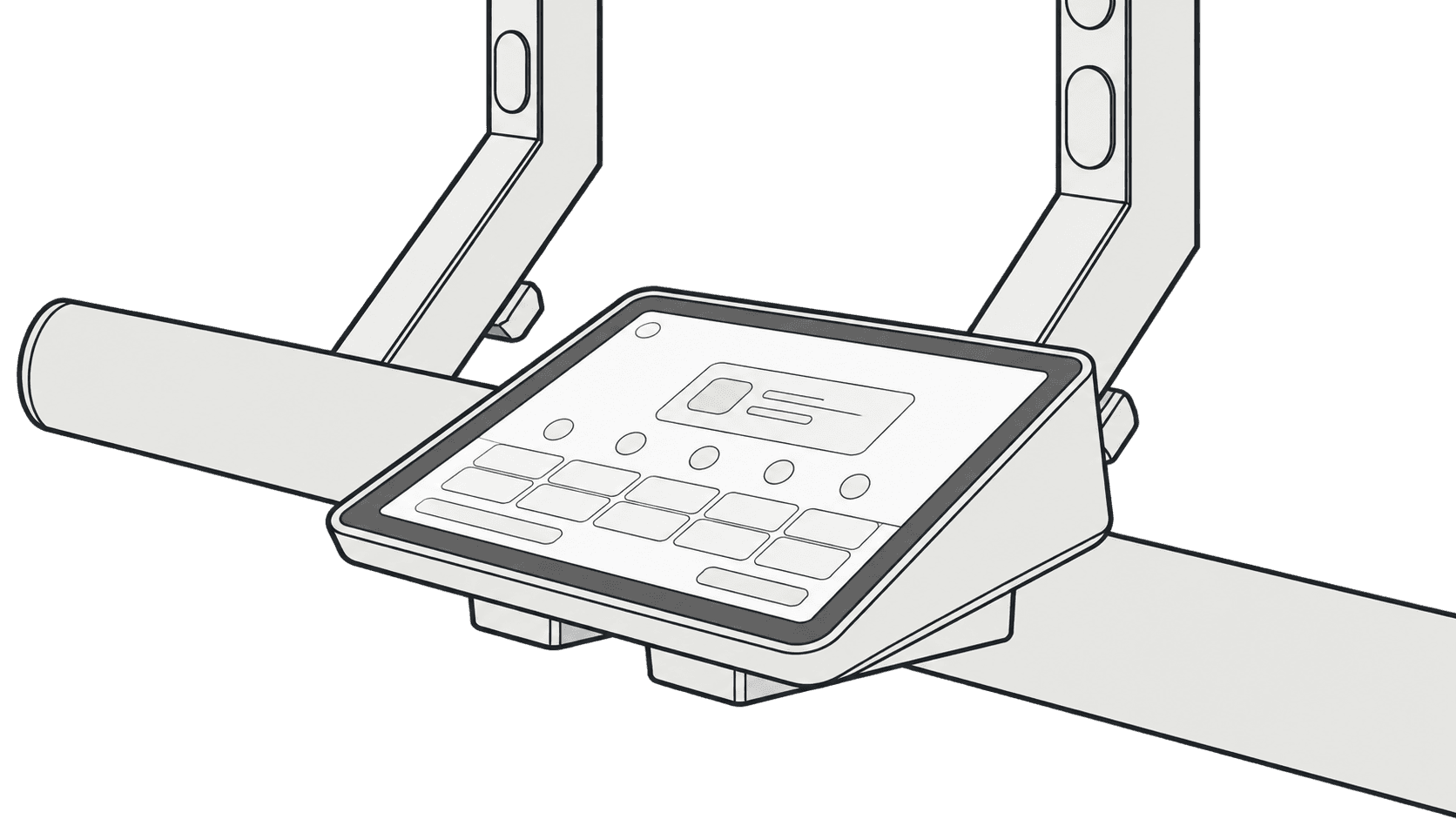
H1051 Logitech Tap Shelf installed on a Mobile Fleet stand with a Tap touch controller fitted.

This guide is also available as a printable PDF.

In the box

Logitech Tap shelf and four mounting feet labeled a and b.
  1. 1 x Logitech Tap Shelf
  2. 4 x Logitech Tap Foot

Install the feet on the bottom of Logitech Tap.

Four mounting feet aligned with the screw holes on the underside of Logitech Tap.
Four mounting feet installed beneath Logitech Tap.

Select which column to use for mounting Logitech Tap Shelf.

Two stand columns highlighted as the available shelf mounting positions.

Slide the Logitech Tap Shelf into position from the rear.

Shelf slid toward the selected column from the rear.

Spread the two ends of the shelf to fit around the column.

Shelf ends spread outward to pass around the column.
Flexible shelf seated around the column and resting over the beam.

Place the Tap, with feet installed, into the holes of the shelf.

Logitech Tap lowered onto the shelf with its four feet aligned to the shelf holes.

Done

Logitech Tap seated on the shelf beneath the display.
H1051 Mobile Fleet Logitech Tap Shelf Installation Guide | Heckler