Welcome to the new Heckler website. Need help or want to share feedback? Use chat or the Feedback tab.

Skip to guide content
H1286

Framework Accent Wall Panel
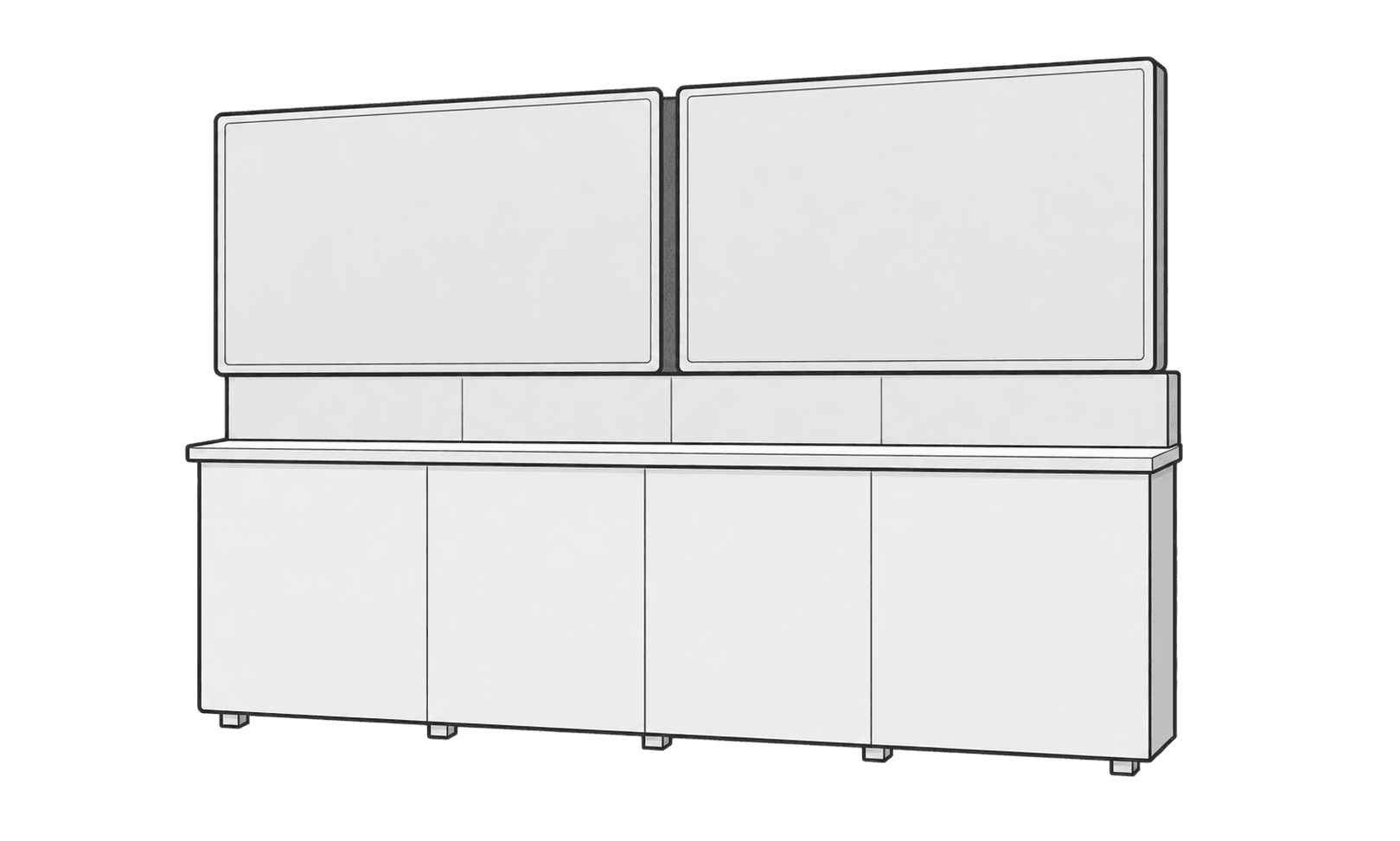
Install the accent panel behind two Framework displays to cover the gap between them.
Dual-display Framework with the H1286 accent panel visible in the narrow gap between the displays.

This guide is also available as a printable PDF.

Applies to
H1286 Framework Accent Wall Panel for a dual-display Framework installation with a shelf and backsplash.

In the box

  1. 1 × accent wall panel, 47 × 9 inches
  2. 6 × Command™ strips, pre-applied three along each long edge
Back of the narrow felt panel (a) with six Command strips (b) pre-applied in three pairs, one strip of each pair along each long edge.

Check the fit

Measure the vertical distance (H) from the top edge of the displays to the top surface of the Framework shelf.

A vertical arrow labeled H spans from the top edge of the two displays to the top surface of the Framework shelf.

Trim the panel if needed

If H is less than 47 inches, measure H down from the top of the panel. Mark a straight line across the panel at that point and cut off the excess below the line.

The full panel is 47 inches tall. Height H runs from the top to the dashed cut line. Hatching marks the excess below the line.

Remove one display

Remove one display from its mounts to expose the center gap. The illustration shows the right display removed.

The left display stays mounted. The detached right display is shown to the side, with two mounting rails visible behind its former position.

Peel the liners

Peel the release liners from the Command™ strips on the back of the panel.

A close-up shows a liner peeling away from one Command strip while the strip stays attached to the back of the panel.

Slide in the panel

Slide the panel behind the remaining display and the Framework backsplash. Position it to cover the gap between the two displays.

A left-pointing arrow shows the felt panel sliding behind the right edge of the remaining display. Dashed lines indicate where the panel extends behind the display and backsplash.

Align and press the panel

Set the top of the panel flush with or slightly below the top edge of the remaining display. Press the panel firmly toward the wall over each strip location.

The panel top sits just below the display top. A side view shows a Command strip between the panel and wall, with an arrow pointing toward the wall.

Reinstall the display

Reinstall the display you removed. Check that the accent panel covers the gap between both displays.

Both displays are installed. The narrow felt accent panel fills the center gap and continues behind the backsplash.