
Eyeline Camera Mount for Dual Displays
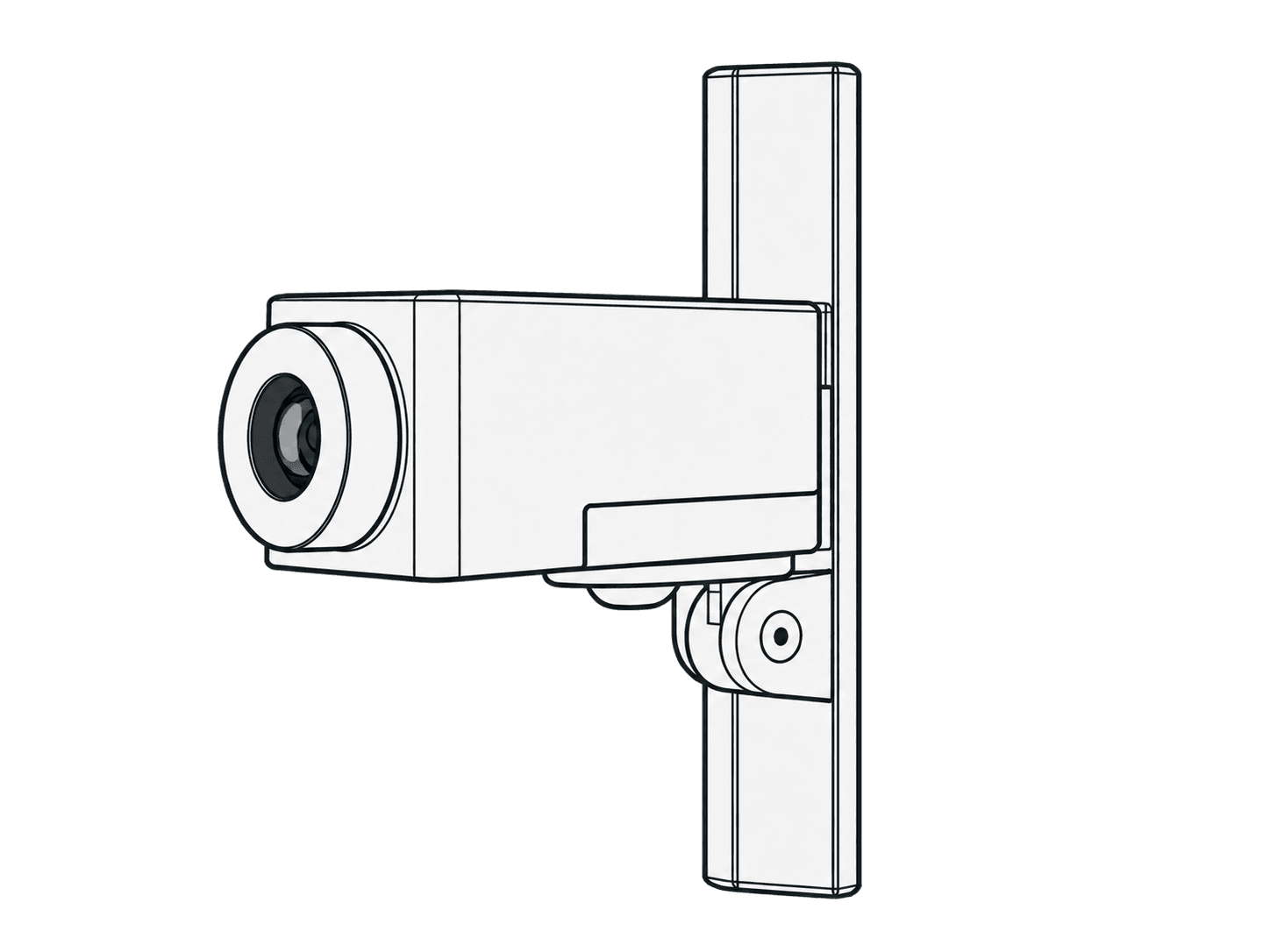
This guide is also available as a printable PDF.
In the box
1 x Eyeline Camera Mount
1 x Drywall Anchor
1 x Drywall-mounting Screw
1 x Heckler AV Cart-mounting Screw
1 x Camera-mounting Hex Key
1 x Assembly Hex Key
1 x Cable Tie
For managing multiple cables
Tools and components needed
TOOLS NEEDED
Tape Measure
Pen
Power Drill
Phillips Bit
3/4” Drill Bit
Level
COMPONENTS NEEDED (Not Included)
Camera
Camera Power and Data Cables
If you have any questions, please contact
service@hecklerdesign.com.
Heckler AV Cart with Dual Display Kit
Choose wall or cart mounting
Choose wall mounting or mounting to the H701 Dual Display Kit for Heckler AV Cart.
Wall mounting: mark the mounting location
Cart mounting: install to the H701 Dual Display Kit
Wall: mark the mounting location
Mark mounting location.
Wall: install the drywall anchor
Install drywall anchor.
Wall: drill the optional cable hole
Drill cable pass-thru hole (optional).
1-1/8 inch
3/4-inch hole
Wall: route power and data cables
Route the Power and Data Cable.
Wall: fasten and level the camera mount
Fasten Eyeline Camera Mount.
Rotate to create a level camera platform.
Wall: install the camera
Install Camera.
Wall: adjust the depth
Adjust depth.
Adjust the length of the camera mount
so the camera protrudes from the wall
as little as possible.
Cart: install to H701 Dual Display Kit
OPTION B
Install Eyeline Camera Mount to to H701 Dual Display Kit for Heckler AV Cart (sold separately).
Cart: install the camera
Install camera.
Cart: adjust the depth
Adjust depth.
Completed cart installation
Support: source product information
H598 - Eyeline Camera Mount
for Dual Displays
Designed & made in Arizona
Patented