Welcome to the new Heckler website. Need help or want to share feedback? Use chat or the Feedback tab.

Skip to guide content
H599

PTZ Camera Mount

Installation instructions, hardware and source diagrams for H599 PTZ Camera Mount.
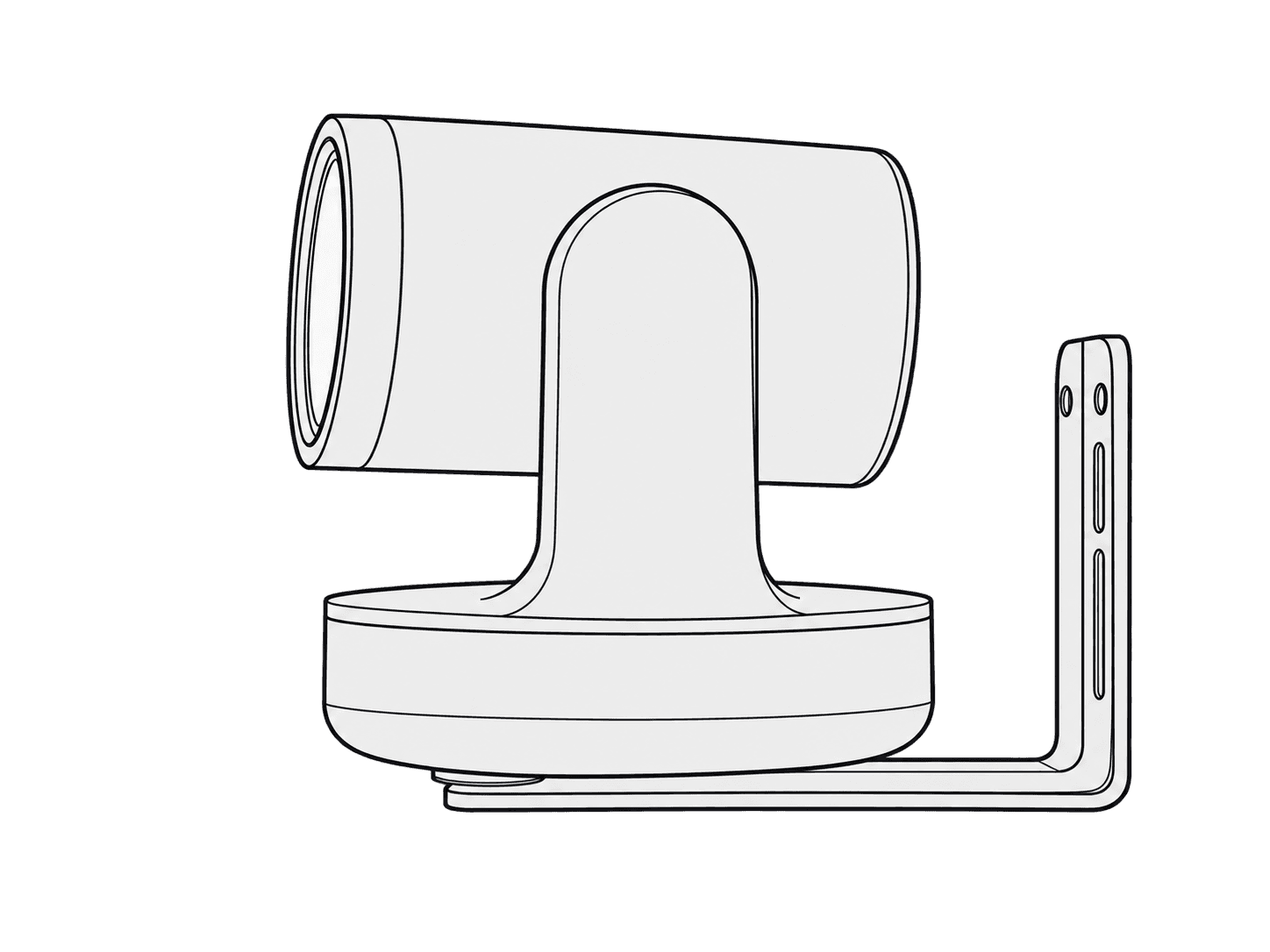
PTZ camera fitted to the Heckler H599 PTZ Camera Mount.

This guide is also available as a printable PDF.

In the box

1 x PTZ Camera Mount

2 x Wall Anchor

2 x 1/4-20 Camera-mounting screw

1 x Wall-mounting Screw

1 x Camera-mounting Hex Key

1 x Assembly Hex Key

1 x Cable Tie

H599 PTZ Camera Mount: In the box. Original installation illustration with its hardware labels and orientation details.

Tools and components needed

TOOLS NEEDED

Tape Measure

Pen

Power Drill

Phillips Bit

3/4” Drill Bit

COMPONENTS NEEDED (Not Included)

PTZ Camera

PTZ Power and Data Cables

If you have any questions, please contact

service@hecklerdesign.com.

Level

H599 PTZ Camera Mount: Tools and components needed. Original installation illustration with its hardware labels and orientation details.

Disassemble PTZ Camera Mount

Upper Bracket

Loosen the screws and slide the upper

bracket out through the keyholes.

Lower Bracket

H599 PTZ Camera Mount: Disassemble PTZ Camera Mount. Original installation illustration with its hardware labels and orientation details.

Select the mounting location

Select mounting location.

H599 PTZ Camera Mount: Select the mounting location. Original installation illustration with its hardware labels and orientation details.

Choose wall-anchor or gang-box mounting

Mounting options.

Wall Anchor

Gang Box (not included)

Skip step 4 and 5

H599 PTZ Camera Mount: Choose wall-anchor or gang-box mounting. Original installation illustration with its hardware labels and orientation details.

Mark wall-anchor locations

H599 PTZ Camera Mount: Mark wall-anchor locations. Original installation illustration with its hardware labels and orientation details.

Install wall anchors and drill the cable hole

Install wall anchor and drill a 3/4” hole.

H599 PTZ Camera Mount: Install wall anchors and drill the cable hole. Original installation illustration with its hardware labels and orientation details.

Route cables and assemble the brackets

Route cabling, then assemble upper bracket to the lower bracket.

H599 PTZ Camera Mount: Route cables and assemble the brackets. Original installation illustration with its hardware labels and orientation details.

Mount the PTZ camera

Mount PTZ camera.

H599 PTZ Camera Mount: Mount the PTZ camera. Original installation illustration with its hardware labels and orientation details.

Optional: tidy cables

Tidy cabling.

Organize the cables with the

cable tie provided.

H599 PTZ Camera Mount: Optional: tidy cables. Original installation illustration with its hardware labels and orientation details.

Support: source product information

H599 - PTZ Camera Mount

Universal Wall Mount for Pan Tilt Zoom Cameras

Designed & made in Arizona

Patented

H599 PTZ Camera Mount Installation Guide | Heckler