Welcome to the new Heckler website. Need help or want to share feedback? Use chat or the Feedback tab.

Skip to guide content
H601 · iPad 10.2-inch · 7th Generation

Zoom Rooms Console for iPad 10.2-inch 7th Generation
Installation instructions, hardware and source diagrams for H601 Zoom Rooms Console for iPad 10.2-inch 7th Generation.
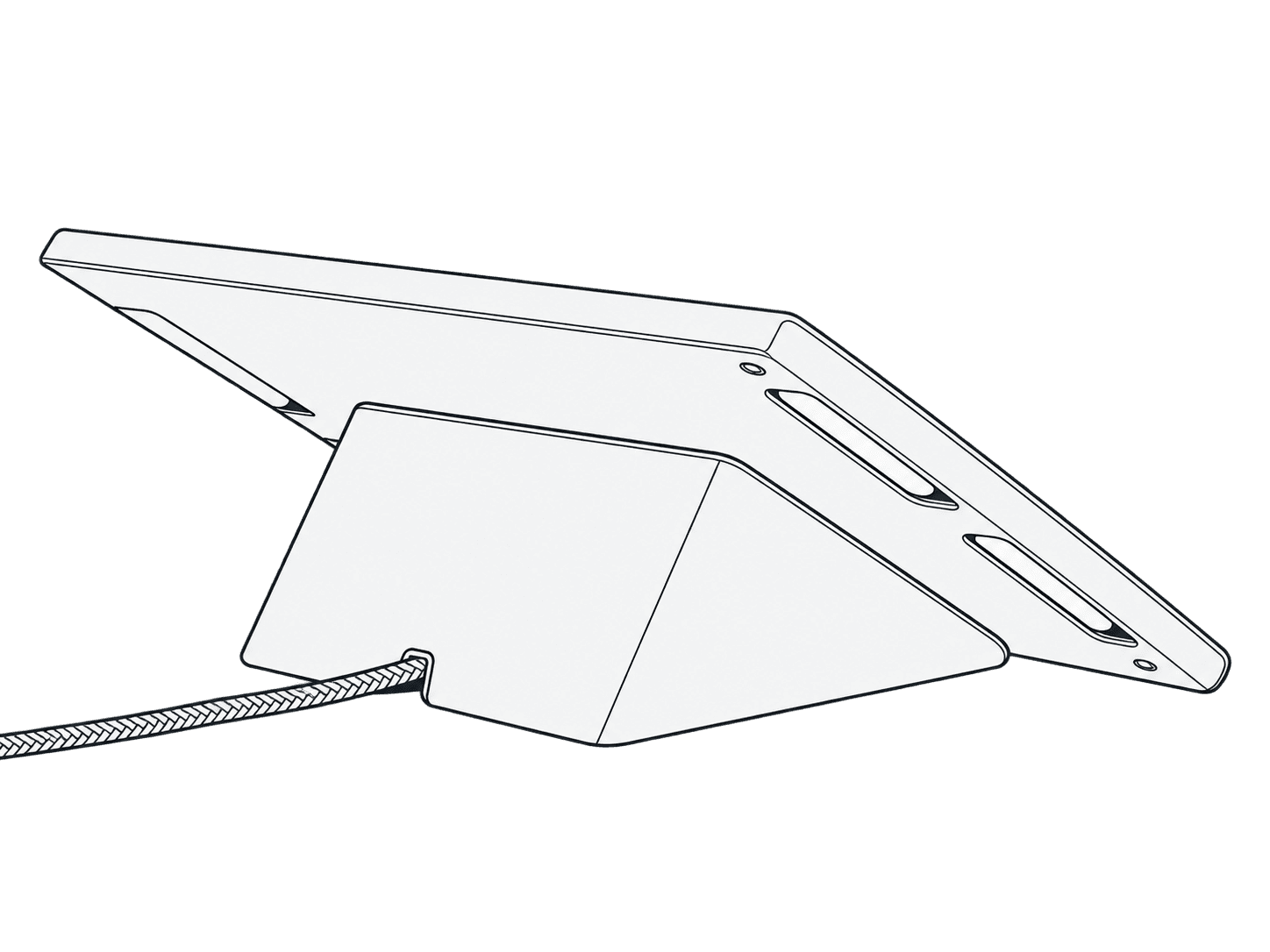
Rear view of an iPad fitted in the H601 Zoom Rooms Console.

This guide is also available as a printable PDF.

Applies to
Applies to H601 · iPad 10.2-inch · 7th Generation, as identified in the linked source PDF.

In the box and tools needed

  • 1 × Torx assembly tool (F160)
  • 4 × Heckler AV Cart assembly screw (F631)
  • 1 × cord anchor (F753)
  • 2 × cable tie (F530)

Keep your special assembly tool in a safe place. To purchase a replacement, please contact service@hecklerdesign.com.

You will also need:

  • Phillips screwdriver
H601 Zoom Rooms Console for iPad 10.2-inch 7th Generation: In the box and tools needed. Original installation illustration with its hardware labels and orientation details.

Remove back cover and front bezel

1 Remove back cover and front bezel

F160

H601 Zoom Rooms Console for iPad 10.2-inch 7th Generation: Remove back cover and front bezel. Original installation illustration with its hardware labels and orientation details.

Route cable ties through the holes

2 Route zip ties through holes

F530

Leave space for the cable to pass through

H601 Zoom Rooms Console for iPad 10.2-inch 7th Generation: Route cable ties through the holes. Original installation illustration with its hardware labels and orientation details.

Route the Apple Lightning cable

3 Route Apple Lightning cable

Route your cable through the gap

H601 Zoom Rooms Console for iPad 10.2-inch 7th Generation: Route the Apple Lightning cable. Original installation illustration with its hardware labels and orientation details.

Install iPad and connect power

4 Install iPad and plug into power

H601 Zoom Rooms Console for iPad 10.2-inch 7th Generation: Install iPad and connect power. Original installation illustration with its hardware labels and orientation details.

Reinstall the front bezel

5 Reinstall front bezel

F160

H601 Zoom Rooms Console for iPad 10.2-inch 7th Generation: Reinstall the front bezel. Original installation illustration with its hardware labels and orientation details.

Tie down the Lightning cable

6 Tie down Lightning cable

Make sure to tight the zip ties on both side and trim the end

H601 Zoom Rooms Console for iPad 10.2-inch 7th Generation: Tie down the Lightning cable. Original installation illustration with its hardware labels and orientation details.

Reinstall the back cover

7 Reinstall back cover

F160

H601 Zoom Rooms Console for iPad 10.2-inch 7th Generation: Reinstall the back cover. Original installation illustration with its hardware labels and orientation details.

Optional: anchor the cable under the table

Optional: Anchor cable under table

F753

H601 Zoom Rooms Console for iPad 10.2-inch 7th Generation: Optional: anchor the cable under the table. Original installation illustration with its hardware labels and orientation details.

Optional: install the PoE upgrade kit

Optional: Install PoE upgrade kit

+

T272

The pre-installed velcro is for Redpark PoE box, please visit hecklerdesign.com to purchase the component. For PoE upgrade kit instruction guide, please visit: heckler.design/T272

H601 Zoom Rooms Console for iPad 10.2-inch 7th Generation: Optional: install the PoE upgrade kit. Original installation illustration with its hardware labels and orientation details.

Optional: install to Heckler AV Cart

F631

F160

Install screws from the back of the multi shelf

H601 Zoom Rooms Console for iPad 10.2-inch 7th Generation: Optional: install to Heckler AV Cart. Original installation illustration with its hardware labels and orientation details.

Support: source compatibility and original warranty

Heckler AV ®

ZOOM ROOMS CONSOLE

for iPad 10.2-inch 7th Generation

Assembly & Installation

Compatible with

2-Year Warranty

iPad 10.2-inch 7th Generation

Heckler Design warrants your product to be free from defect in material and workmanship for a period of two years from the original date of purchase. Electronic components are warranted to be free from defect for a period of one year from the original date of purchase. If you discover a defect, please contact service@hecklerdesign.com. Heckler Design will repair, at our discretion, using new or refurbished components. If repair is not possible, Heckler Design will replace the item.

H601

H601 Zoom Rooms Console for iPad 10.2-inch 7th Generation Installation Guide | Heckler