
Soundbar Mount for Heckler AV Cart
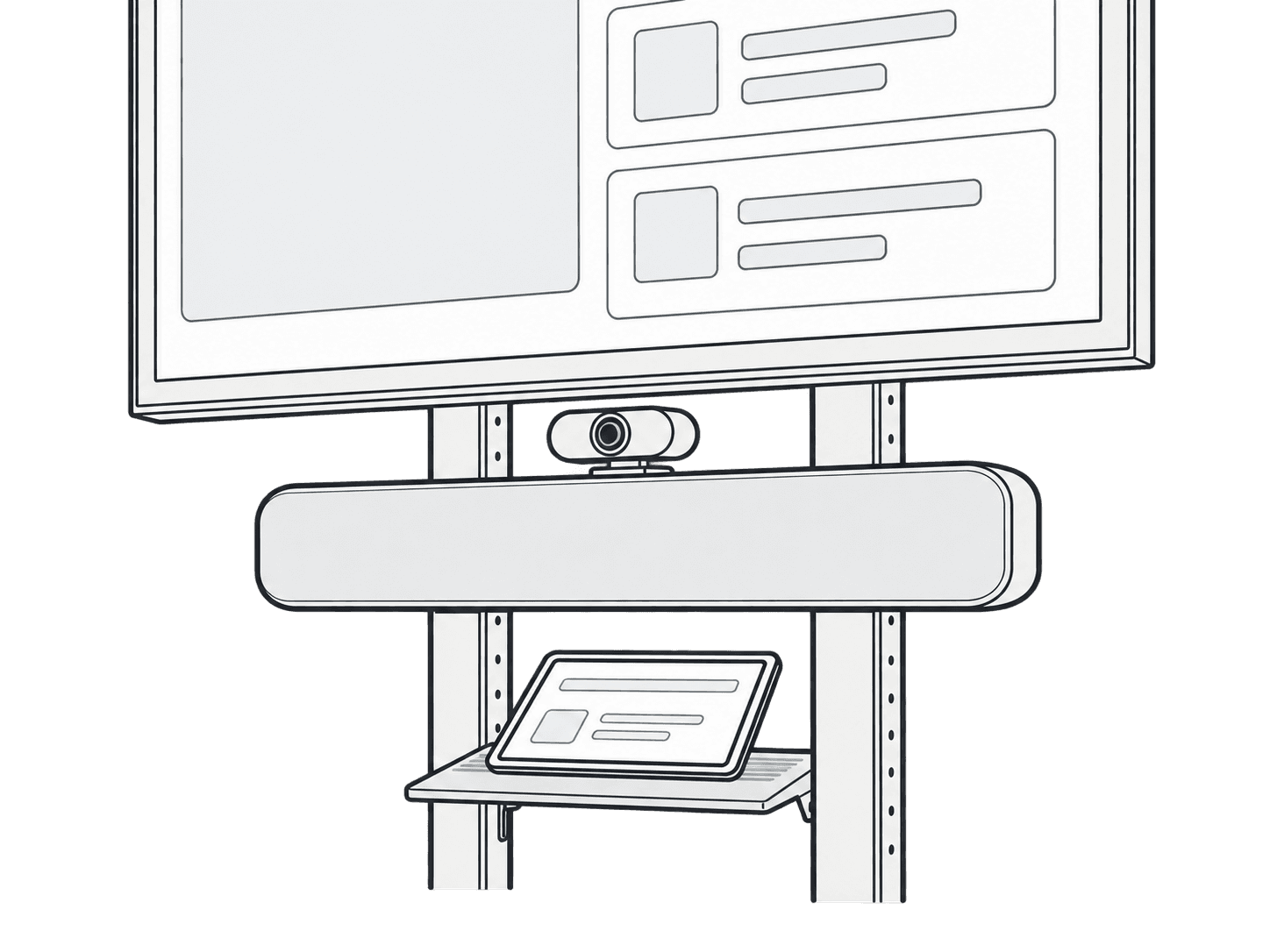
This guide is also available as a printable PDF.
In the box
2 x Soundbar Mounting Bracket
1 x Hex Key, 5mm
4 x Screw, M6, 10mm
4 x Wingnut, M6
M4 Soundbar-mounting Hardware
2 x Set Screw, M4, 20mm
2 x Wingnut, M4
M5 Soundbar-mounting Hardware
2 x Set Screw, M5, 20mm
2 x Wingnut, M5
1/4”-20 Soundbar-mounting Hardware
2 x Set Screw, 1/4-20, 3/4”
2 x Wingnut, 1/4-20
For Mounting to H702 Device Panel
4 x Screw, M4, 12mm
1 x Hex Key, 2.5mm
1
Fit set screws and measure mounting-point spacing
Fasten the appropriate size of set screws to the soundbar and measure the distance between the mounting points.
x
Choose soundbar position
Determine your ideal soundbar position.
Below the display. continue to Below display: choose a bracket arrangement.
Above the display. continue to Above display: install H702 Device Panel.
Below display: choose a bracket arrangement
Mounting below the display
Based on the distance between your soundbar's mounting points, determine the correct installation of the soundbar-mounting brackets.
Option A
Option B
Option C
Option D
74 to 273mm (3 to 10.75 inches)
273 to 400mm (10.75 to 15.75 inches)
400 to 585mm (15.75 to 23 inches)
585 to 726mm (23 to 28.5 inches)
see Below display: option A, 74 to 273 mm
see Below display: option B, 273 to 400 mm
see Below display: option C, 400 to 585 mm
see Below display: option D, 585 to 726 mm
Below display: option A, 74 to 273 mm
Option A
When the distance between your soundbar's mounting points are spaced 74 to 273mm (3 to 10.75 inches) apart.
Below display: option B, 273 to 400 mm
Option B
When the distance between your soundbar's mounting points are spaced 273 to 400mm (10.75 to 15.75 inches) apart.
Below display: option C, 400 to 585 mm
Option C
When the distance between your soundbar's mounting points are spaced 400 to 585mm (15.75 to 23 inches) apart.
Below display: option D, 585 to 726 mm
Option D
When the distance between your soundbar's mounting points are spaced 585 to 726mm (23 to 28.5 inches) apart.
Below display: fasten the wingnuts and install the soundbar
Fasten the wingnuts and install the soundbar.
Access mounting points behind the cart arms
To create improved access to your mounting points in the event that you soundbar's mounting points are positioned in front of the AV Cart vertical arms, remove the bottom two screws that fasten the soundbar-mounting brackets to the vertical arms, then swing your soundbar upwards.
Above display: install H702 Device Panel
Mounting above your display
Install H702 Device Panel to Heckler AV Cart.
Note that this step requires the use of H702 Device Panel for Heckler AV Cart.
Above display: align brackets with the mounting points
Install the soundbar-mounting brackets to the hole pattern of Device Panel as needed to create alignment with your soundbar's mounting points. Note that the brackets can be installed closely to each other if needed.
Example
Example
Above display: fasten brackets to Device Panel
Above display: fasten the wingnuts and install the soundbar
Fasten the wingnuts and install the soundbar.
Optional: mount Logitech Rally speakers
Mount a pair of Logitech Rally speakers by using two H707 Soundbar Mount kits.
Optional: mount multiple soundbar-shaped devices
If you need to mount multiple sounbar-shaped devices, use multiple H707 Soundbar Mount kits.
Support: source product information
H707 - Soundbar Mount
for Heckler AV Cart
Compatible with most soundbar and soundbar-shaped devices with M4,
M5, or 1/4-20 mounting points spaced apart from 74 mm to 726 mm.
If you have any questions, please contact Heckler.
service@hecklerdesign.com
844-432-5930