
Control Shelf for Heckler AV Cart
This guide is also available as a printable PDF.
Parts: mounting options
Mounting options
Horizontal
Angled
Vertical
Flipped
In the box
1 x Control Shelf for Heckler AV Cart
2 x Cart-mounting wingnuts
4 x Cart-mounting screws
1 x Cart-mounting assembly key
1 x Velcro for strapping devices. 12 inches.
Parts and components needed
COMPONENTS NEEDED (Not Included)
Heckler AV Cart
Controller
PTZ Camera
If you have any questions, please contact
service@hecklerdesign.com.
Fasten Control Shelf to the cart
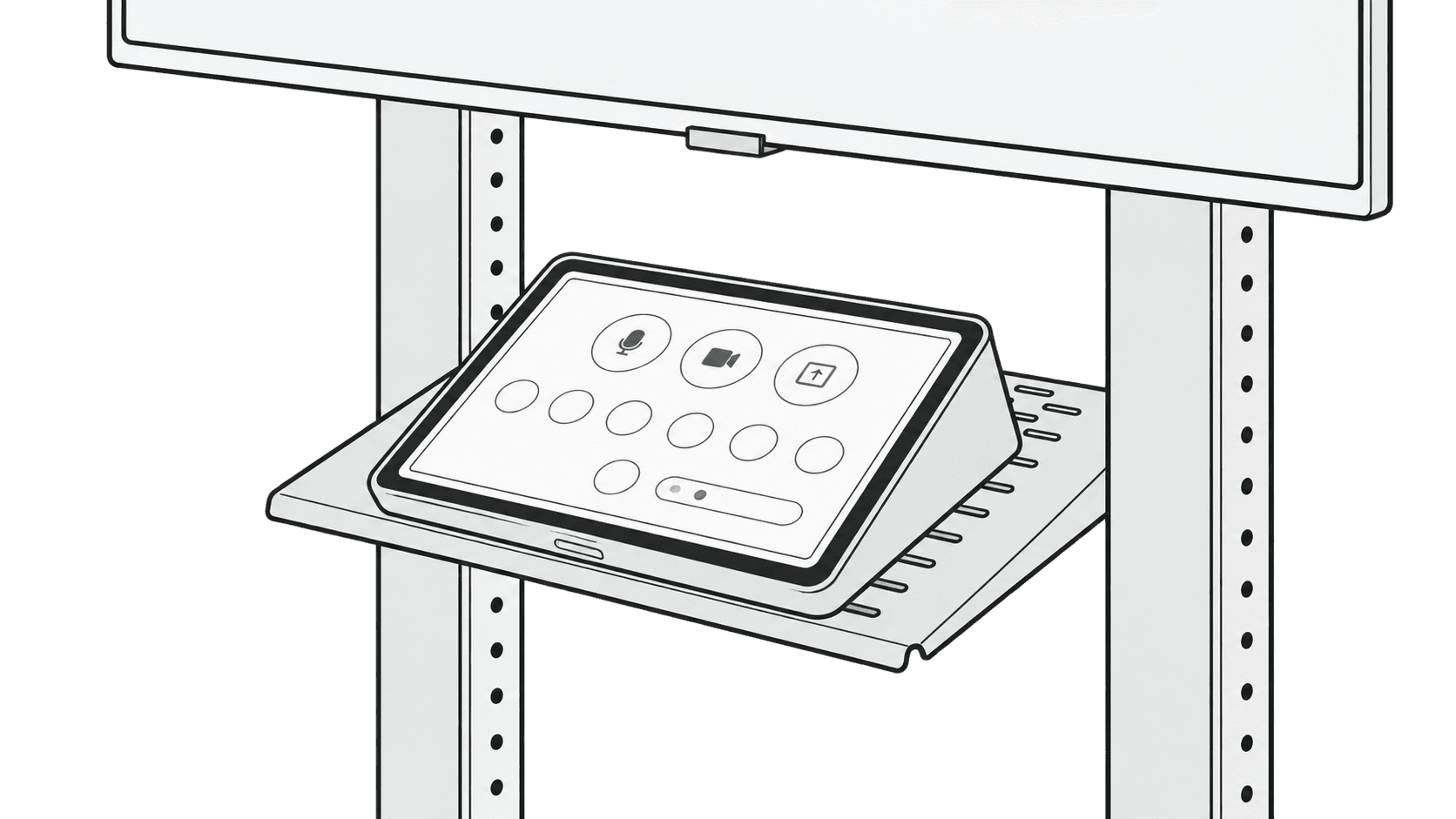
Fasten Control Shelf to Heckler AV Cart.
Hold the shelf at the desired installation angle as you insert the lower screw.
Mount the controller
Mount controller.
For Logitech Tap, use the mounting screws included inside of Tap's underside panel. For Neat Pad, use the M4 mounting screws included in Neat Pad's packaging.
Optional: mount a camera
OPTION
Mount camera.
Note that the center slots include 1/4" clearance holes for camera mounting.
*Camera-mounting screws not included.
Optional: manage cables
OPTION
Manage cables with included Velcro strap.
Support: source product information
H709 - Control Shelf
for Heckler AV Cart
Designed & made in Arizona
Patented