Welcome to the new Heckler website. Need help or want to share feedback? Use chat or the Feedback tab.

Skip to guide content
H759X · iPad 10th Generation

Portrait Stand for iPad 10th Generation

Install the iPad in the portrait stand, route its cable, and review feet and countertop-mounting options.
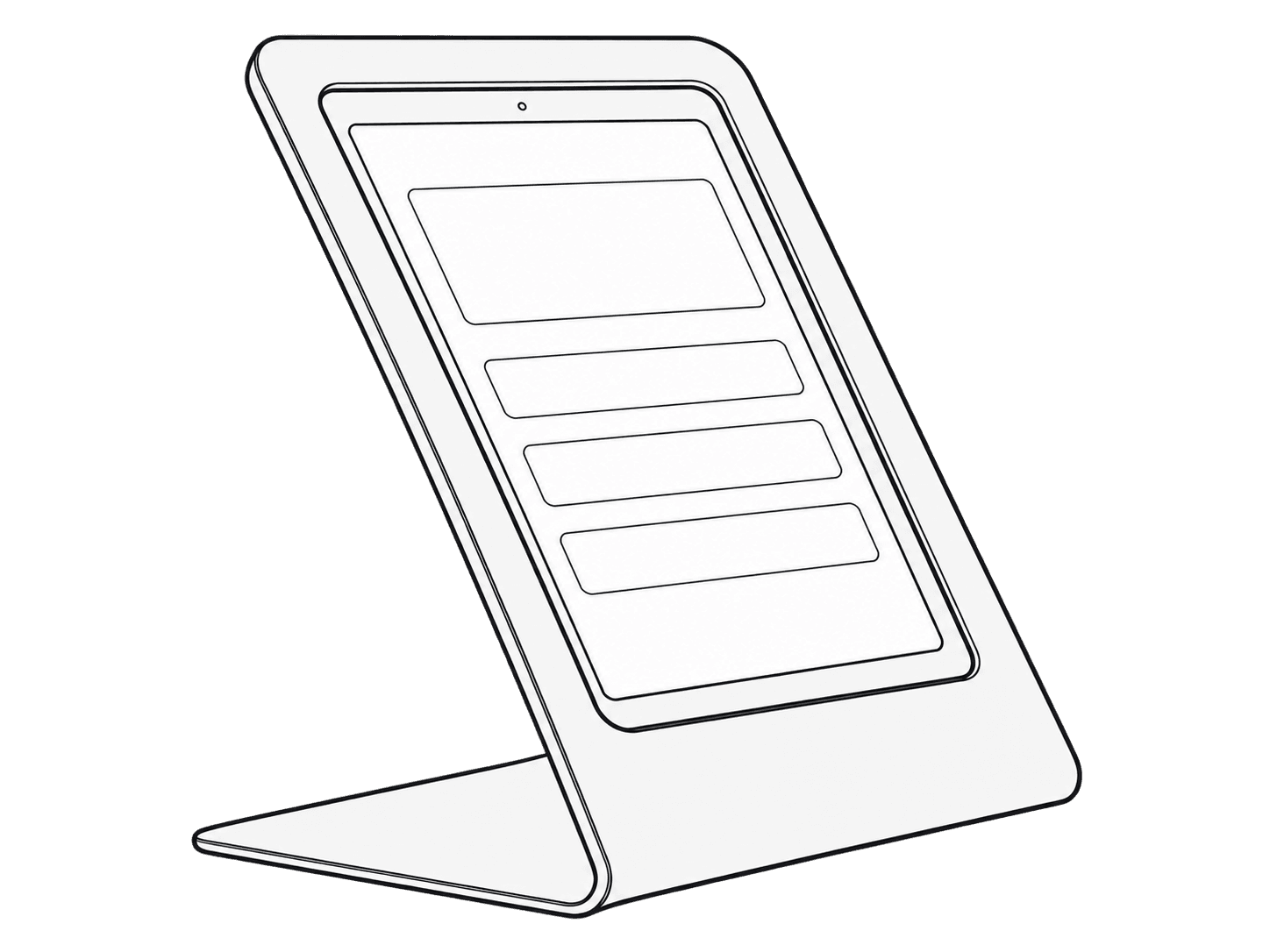
Portrait iPad fitted in the H759X WindFall Stand with its continuous bent-sheet base.

This guide is also available as a printable PDF.

In the box

  1. 1 x Portrait Stand
  2. 1 x Key, F529
  3. 4 x Felt feet, F581
  4. 4 x Friction feet, S130
Portrait iPad stand, hex key, four felt feet, and four friction feet, labeled a through d.

Adhere your preferred feet

Felt feet: F581, four included.
Friction feet: S130, four included.

Remove the brackets

Rear view of the stand with a hex key engaging a retaining-bracket screw.
The two retaining brackets lifted away from the portrait frame, with arrows showing their removal.

Position your iPad 10th Generation

An iPad lowers into the portrait frame with its USB-C cable routed through the stand base.

Reinstall the brackets and route your USB-C cable

Tighten all screws

Two retaining brackets across the back of the iPad, with a hex key at one of their four screws.
Rear view of the secured brackets and cable routed through the stand base.
Completed portrait stand viewed from the front with the iPad seated behind the bezel.

Optional countertop-mounting and security methods

Fasten to the countertop with screws

Arrows identify the mounting holes through the stand base for countertop screws.

Use a PivotTack for security and cable pass-through

PivotTack assembly passes through the central opening in the stand base and the countertop.

Use a PivotTable to create a pivot point on your countertop

Exploded view of the optional PivotTable disc below the base and its head and screw above the center opening.

Use a Kensington ClickSafe Cable Lock

A cable lock attached to the security fitting at the stand base.