Welcome to the new Heckler website. Need help or want to share feedback? Use chat or the Feedback tab.

Skip to guide content
H760 · iPad 10th Generation

Meeting Room Console for iPad 10th Generation

Fit iPad 10th Generation in the meeting room console and review the cable-lock option.
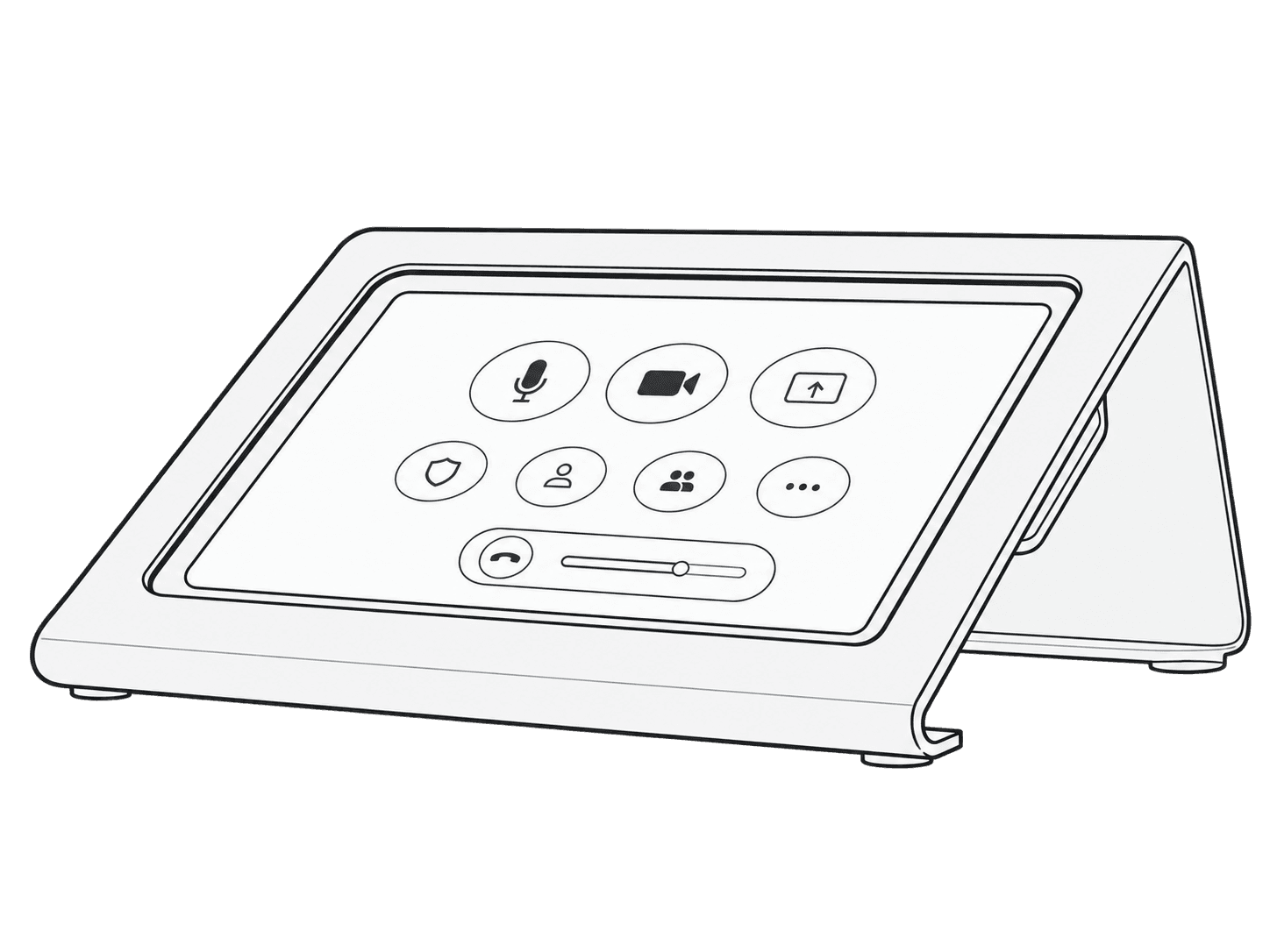
iPad fitted in the H760 Meeting Room Console.

This guide is also available as a printable PDF.

In the box

  1. 1 x Meeting Room Console
  2. 1 x Hex Key (F529)
Included meeting-room console and hex key labeled a and b.

Remove the brackets

Exploded view of the console’s retaining brackets, screws, and hex key.

Position the iPad 10th Generation with the Apple USB-C cable

Rear view of the iPad positioned within the console with its USB-C cable connected.
Right-angle USB-C adapter positioned between the iPad port and the cable connector.

Reinstall the brackets

Retaining brackets and screws aligned over the rear of the iPad.
Rear retaining brackets fastened over the iPad edges.
Assembled console standing upright with the iPad installed.

Add security with a Kensington ClickSafe Cable lock

Kensington ClickSafe cable lock connected to the console’s rear security anchor.