
H903
Expansion Rack 6U
Fit the expansion rack into the lectern beam, secure it, and load rack components.
This guide is also available as a printable PDF.
Applies to
H903 Expansion Rack 6U for the Heckler Lectern beam shown in the source.
In the box
- 1 x Expansion Rack 6U
- 4 x clips
- 1 x Camlock Key
Tools needed
- Phillips screwdriver
- Component-mounting screws
Slide Expansion Rack 6U into the Lectern Beam
Slide the two tubes at the top of the rack through the square holes in lectern’s underside beam.
Secure Expansion Rack 6U with clips
Place clips through the holes to lock the rack’s position.
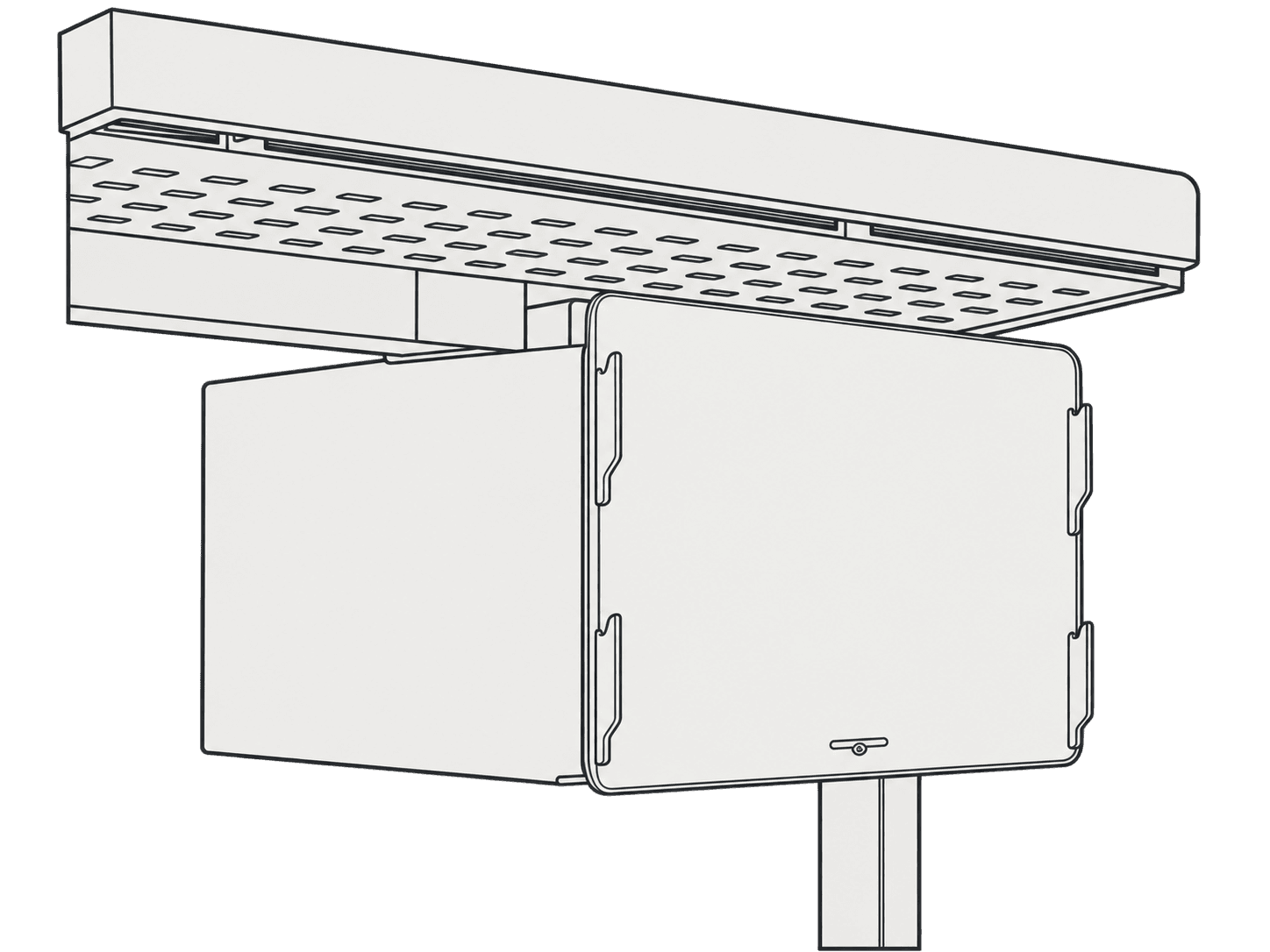
Unlock Camlock and remove the cover
Use the cam-lock key to unlock the cam lock. Lift the cover off the rack body.
Load components
Load components into the Expansion Rack.